
Buying Guides
Omada Controllers Explained: Hardware, Software and Cloud Choices
A controller is the network's management platform. Compare local hardware, a maintained software host and cloud services, then plan capacity, availability and recovery.
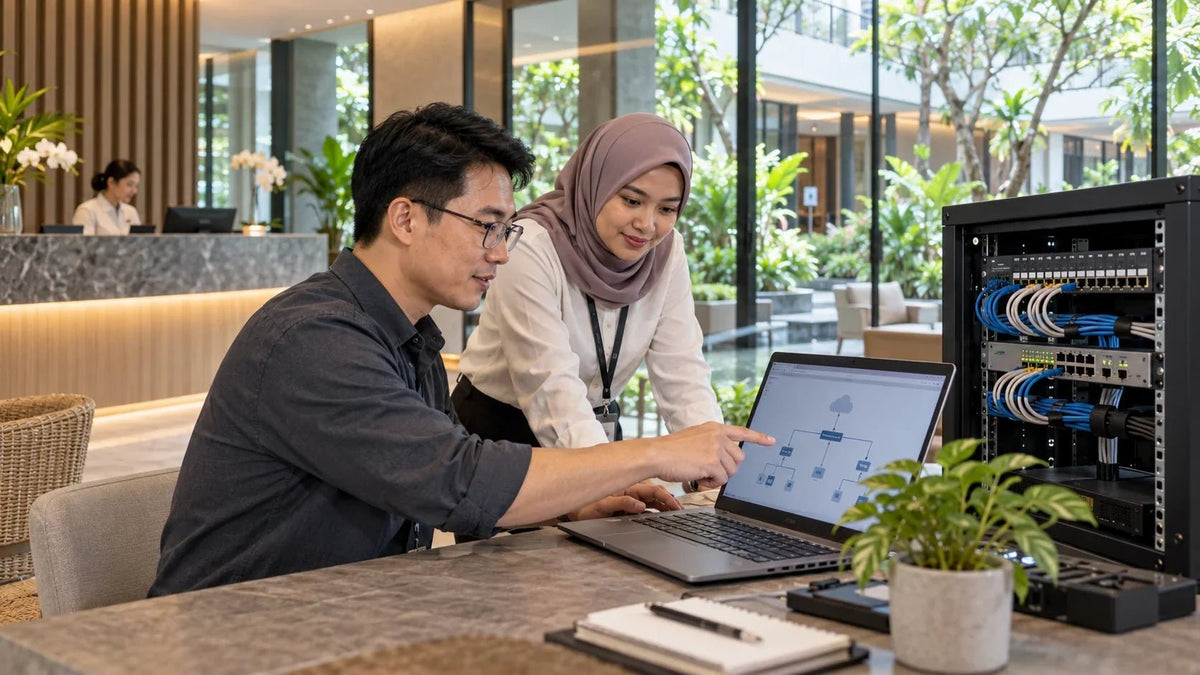
Choose the Omada controller by where it runs, who maintains it and which features need it online. A hardware controller gives you a dedicated local appliance. Software uses a host you maintain. Cloud Essentials and Cloud Standard host the controller remotely, with different feature and licensing arrangements.
The WiFi works, but the controller disappears from the app when someone shuts down the office computer. Or a guest voucher stops working after a restart. Buying another access point will not resolve a management service that has nowhere reliable to run.
The right controller makes network changes, monitoring and recovery easier. It does not need to be the largest model in the range, and its Ethernet port speed is not a measure of your WiFi throughput.
What an Omada Controller Actually Does
The controller is the management platform for compatible Omada access points, switches and gateways. It brings settings, adoption, monitoring and supported network functions into a common interface. The devices still have their own forwarding and radio jobs.
In a normal deployment, a phone's internet traffic travels through the AP, switch and gateway. It does not pass through an OC220 as though the controller were another router. A Gigabit management connection can therefore sit alongside faster uplinks without automatically reducing them to Gigabit.
The Data Path and the Management Job
- Client
- Access Point
- Switch
- Gateway
The controller manages compatible devices beside this path. Cloud access lets an administrator reach a local controller; it does not relocate that controller to the cloud.
Keep the distinction in mind when planning 2.5GbE and 10GbE WiFi upgrades. Choose AP uplinks, switching and PoE for the traffic. Choose controller capacity and hosting for management.
Cloud Access and a Cloud-Based Controller Are Different
This is why “I can manage it from my phone” does not identify the deployment type. Start with where the controller actually runs. Then record its owner, access method and recovery process.
Hardware, Software, Essentials and Standard Compared
| Option | Where It Runs | A Practical Fit | Plan For |
|---|---|---|---|
| Hardware Controller | A dedicated local appliance, such as OC220 or OC300. | A site wanting local management without a separate general-purpose host. | Power, backups, controller updates and suitable capacity. |
| Software Controller | A supported Windows or Linux host you maintain. | A team with an existing, properly managed always-on host. | Host updates, resources, dependencies, storage and recovery. |
| Cloud Essentials | A hosted controller service. | A compatible deployment whose required functions fit the free Essentials tier. | The exact device and feature support, account ownership and connectivity. |
| Cloud Standard | A hosted controller service with subscription-based device licensing. | A deployment needing supported advanced cloud management functions. | Licences, renewal, compatibility and administration roles. |
A software controller can be economical when the host and maintenance process already exist. A staff laptop that sleeps, travels or is reinstalled is a different proposition. For a hosted service, compare the required functions against the actual Essentials or Standard compatibility list, not just an Omada logo on the box.
OC220, OC200, OC300 and OC400: Size for the Real Deployment
Count managed APs, switches and gateways separately, then allow for growth and the features in use. TP-Link now distinguishes a recommended total from the maximum supported combination. Those numbers should not be treated as an instruction to fill every controller to its ceiling.
| Controller | Recommended Total | Maximum APs / Gateways / Switches | Maximum Total |
|---|---|---|---|
| OC200 | 25 devices | 100 / 10 / 20 | 130 devices |
| OC220 | 40 devices | 100 / 10 / 20 | 130 devices |
| OC300 | 160 devices | 500 / 100 / 100 | 700 devices |
| OC400 | 500 devices | 1,000 / 100 / 200 | 1,300 devices |
This capacity reference applies to Omada Controller 6.3 or later. Supported OLTs change the permitted mix: each OLT reduces the switch allowance by five. Check the exact hardware revision, available firmware and supported combination before sizing an existing controller.
The OC220 offers a compact local option with two Gigabit Ethernet ports, a USB backup port and PoE or Micro-USB power. The OC300 serves a larger management scale. Their Ethernet sockets are management connections; they are not extra high-speed switch capacity for client devices.


What Happens When the Controller Goes Offline?
Existing device settings can continue working while controller-dependent services are interrupted. That distinction explains why established users may stay online while a new visitor cannot complete portal authentication.
Plan continuous controller availability for portal authentication, monitoring history, scheduled management tasks and optimisation functions that rely on it. An existing authenticated session is not a useful test of whether the next visitor can log in.
Fast Roaming also needs a version-specific answer. TP-Link documents a controller dependency before version 5.14; for APs managed by 5.14 or later, Fast Roaming no longer requires the controller to stay running. AI Roaming's background optimisation still relies on the controller. Avoid the blanket claims that either every feature stops or every feature carries on.
For an important reception or event network, test a newly joining guest during a planned controller outage as well as an already-connected device. Record the behaviour for the actual portal method, AP firmware and controller version.
Work Through a Small Hotel or Growing Office
Consider a site with 12 APs, three managed switches and one gateway. That is 16 managed devices, not 16 users. A few hundred clients and a busy voucher portal create a different operational picture from 16 lightly used devices in a quiet office.
Start with the required features and compatibility. An OC220 is a candidate for dedicated local management when the supported combination fits. A software controller is a candidate when a supported host is already maintained continuously. A hosted controller is worth comparing when the service tier supports the same essential functions.
Now consider growth to 35 APs, eight switches and two gateways: 45 managed devices. That exceeds the published OC220 recommended total even though it remains below its maximum limits. Review the workload and a larger controller before placing a new order.

Do not expect a controller change to repair an AP installed behind a concrete wall or an overloaded upstream link. For those symptoms, work through the radio, wired network and service path separately.
“Offline” in the App: Check the Local Controller First
- Find where it runs. Confirm the appliance has power or the software host is awake and the controller service is running.
- Check trusted local access. If the local interface works but cloud access does not, investigate that remote-management connection rather than assuming every AP has failed.
- Check the upstream path. Verify address, gateway, DNS and system time, then review the cloud connection and relevant logs.
- Keep the configuration. Back up before a planned migration. A controller shown as offline is not by itself a reason to factory-reset devices.
Document the version used for a backup and the supported restore or migration path. Plan a maintenance window and a recovery route. Do not run two controllers trying to manage the same devices as an improvised migration method.
Frequently Asked Questions
Do I need an Omada controller for every access point?
Some AP functions are available in standalone mode, while central management and selected advanced functions use a controller. Choose the deployment around the exact APs and required features.
Is free cloud access the same as a cloud-based controller?
No. Cloud access connects an administrator to a local hardware or software controller. A cloud-based controller is hosted remotely, so no local controller appliance or host is required.
Will WiFi stop if I turn off the controller?
Existing device settings can continue working, while controller-dependent services may stop. Portal authentication, monitoring and optimisation need particular attention. Test the actual firmware and feature configuration.
Does Fast Roaming need the controller online?
TP-Link documents that Fast Roaming no longer requires continuous controller operation for APs managed by controller version 5.14 or later. Earlier versions differ, and AI Roaming background optimisation still depends on the controller.
Will an OC220 Gigabit port limit a 10GbE network?
The controller normally manages devices alongside the client data path. Its management port does not automatically limit traffic forwarded through the AP, switch and gateway.
Should I factory-reset devices if the app says Offline?
First check the controller's power or host, trusted local access and cloud connection. Preserve the configuration and use a supported recovery or migration plan before resetting adopted equipment.
Choose a Controller You Can Keep Working
For a small site wanting dedicated local management, shortlist OC220. For an existing maintained host, compare software. For remote hosting, compare Essentials and Standard against the exact devices and features. Move to a larger appliance when scale and workload justify it.
Bring the device list, hardware revisions, sites, guest-access method and expected growth to a network planning review. A controller choice is complete when someone can operate, back up and recover it, not just open the app on installation day.


