
Synology

Synology solutions include DiskStation and RackStation NAS, enterprise storage, backup appliances, surveillance cameras, network routers, storage drives and accessories for centralised data management, protection, sharing and video surveillance. Choosing a Synology NAS? Start with your file-sharing, backup or surveillance workload, the usable capacity you need and your expected growth. Check the exact model's supported drives, memory, network connections and application requirements before selecting an enclosure and drives. Compare Synology NAS models in Singapore NAS type Which model should I choose? 2-bay desktop DS225+ DiskStation. For shared files, photos and backups at home or in a small office. With two equal drives mirrored, plan for about one drive’s usable capacity before formatting and system overhead. 4-bay desktop DS925+ DiskStation. For a growing team or larger backups. Four bays give you more ways to balance usable capacity, drive redundancy and room to grow. Rackmount RS826+ and RS826RP+ RackStation. For an office or server room with an equipment rack. These models fit 1U and have four bays. Check rack depth, rail compatibility and whether you need the RS826RP+ with redundant power supplies. Use the RAID Calculator to compare usable space and drive-failure protection. For surveillance retention, use the NVR Calculator, then check camera compatibility, licensing and recording limits. RAID is not a separate backup. Ask our Specialists to review your storage plan, or compare the wider NAS range. Include your users, current data, growth and existing backup arrangement. Read more Read less
Synology solutions include DiskStation and RackStation NAS, enterprise storage, backup appliances, surveillance cameras, network routers, storage drives and accessories for centralised data management, protection, sharing and video surveillance.
Choosing a Synology NAS? Start with your file-sharing, backup or surveillance workload, the usable capacity you need and your expected growth. Check the exact model's supported drives, memory, network connections and application requirements before selecting an enclosure and drives.
Compare Synology NAS models in Singapore
| NAS type | Which model should I choose? |
|---|---|
| 2-bay desktop | DS225+ DiskStation. For shared files, photos and backups at home or in a small office. With two equal drives mirrored, plan for about one drive’s usable capacity before formatting and system overhead. |
| 4-bay desktop | DS925+ DiskStation. For a growing team or larger backups. Four bays give you more ways to balance usable capacity, drive redundancy and room to grow. |
| Rackmount | RS826+ and RS826RP+ RackStation. For an office or server room with an equipment rack. These models fit 1U and have four bays. Check rack depth, rail compatibility and whether you need the RS826RP+ with redundant power supplies. |
Use the RAID Calculator to compare usable space and drive-failure protection. For surveillance retention, use the NVR Calculator, then check camera compatibility, licensing and recording limits. RAID is not a separate backup.
Ask our Specialists to review your storage plan, or compare the wider NAS range. Include your users, current data, growth and existing backup arrangement.


Synology DS225+ DiskStation 2-Bay 2.5GbE Tower NAS

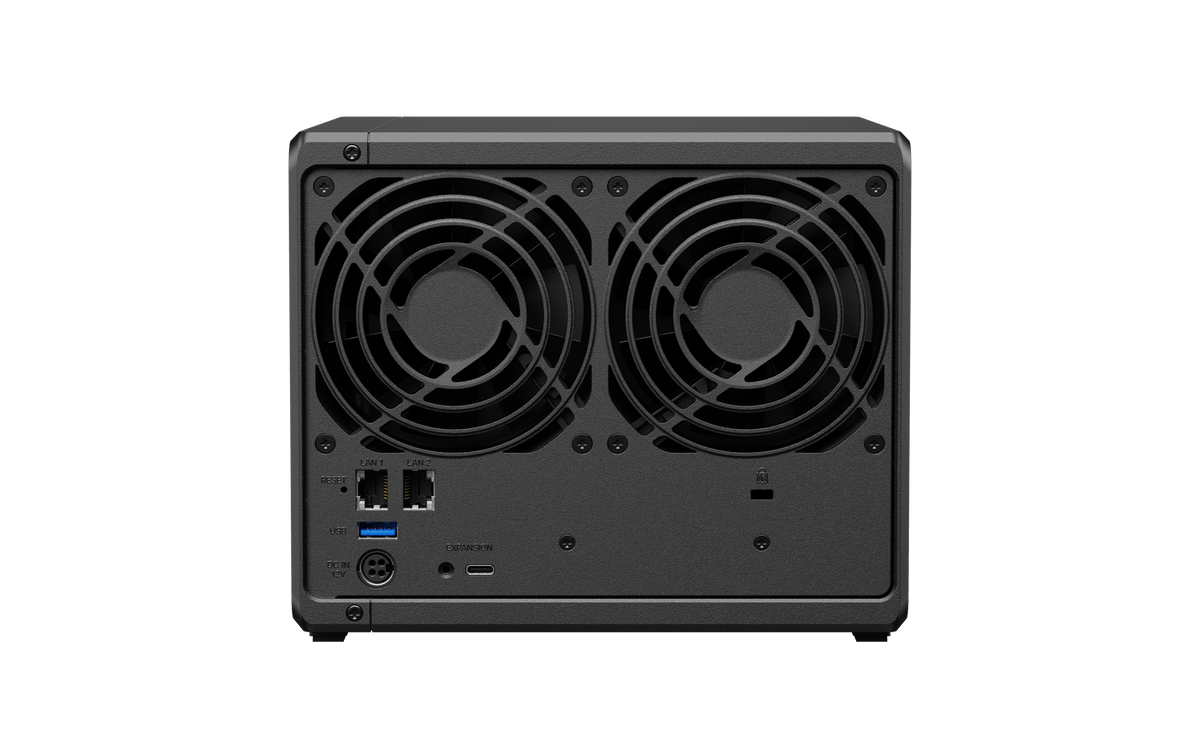
Synology DS925+ DiskStation 4-Bay 2.5GbE Tower NAS


Synology RS826+ RS826RP+ RackStation 4-Bay Rackmount NAS


Synology DS923+ DiskStation 4-Bay Tower NAS


Synology DS223 DiskStation 2-Bay Tower NAS


Synology DS425+ DiskStation 4-Bay 2.5GbE Tower NAS


Synology DS1525+ DiskStation 5-Bay 2.5GbE Tower NAS


Synology DS223j DiskStation 2-Bay Tower NAS


Synology DS1825+ DiskStation 8-Bay 2.5GbE Tower NAS with NVMe M.2 Slot


Synology DS925neo+ DiskStation 4-Bay 2.5GbE Tower NAS


Synology DS725+ DiskStation 2-Bay 2.5GbE Tower NAS

