
Camera Troubleshooting
Battery Camera Missing Events? Fix Placement, Wake-Up and Recording Settings
Find why a battery camera records too late or misses a visitor. Separate the PIR wake-up path, recording rules and phone alerts, with a practical walk test.
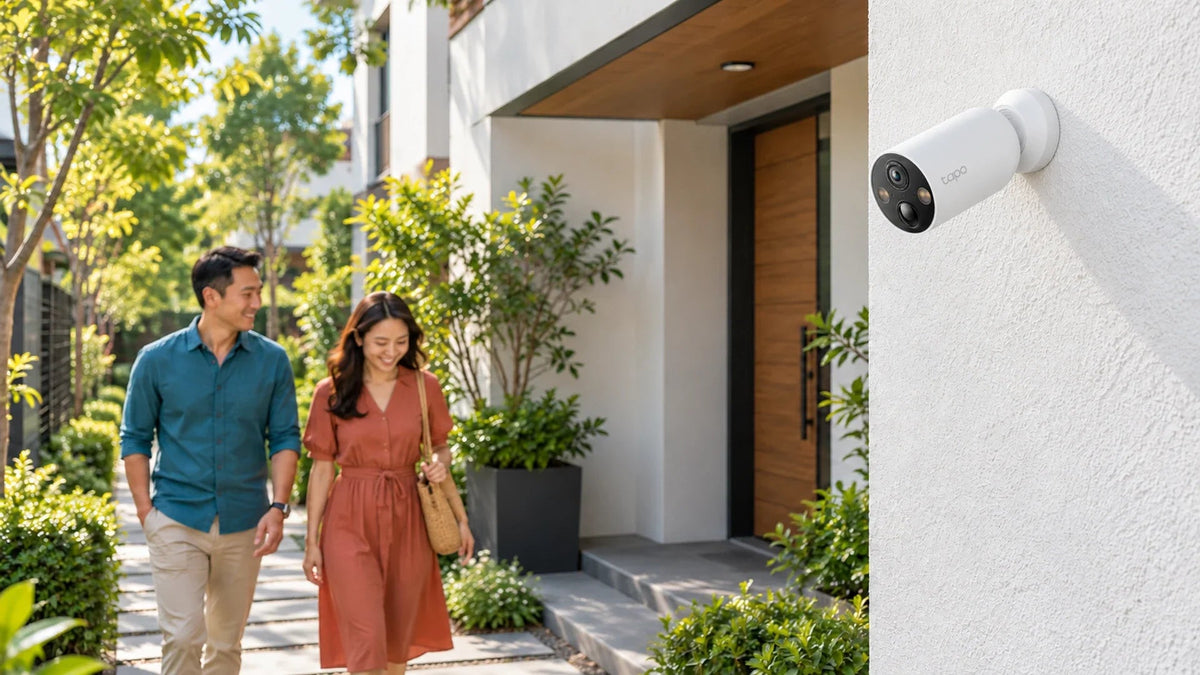
A clear live view does not prove that a sleeping battery camera will wake and record every approach. Check the PIR detection path, mounting angle, recording schedule and saved clip separately. Test with live view closed, then review the recording rather than judging only the phone notification.
You can see the gate perfectly in the app, yet a delivery appears only as someone walking away. Or the camera records a moving tree but misses the person beside it. Adding a solar panel may improve charging without changing either problem.
Start with the event you need to capture: a person crossing the entrance, a vehicle stopping or activity continuing for several minutes. That requirement determines both placement and whether a battery camera is the right type.
Wake-Up, Recording and Alerts Are Three Different Stages
On a PIR-triggered battery camera such as the Tapo C425, the passive infrared sensor helps wake the camera. Detection settings then affect which events are recognised and saved. Phone-notification rules add another layer after that.
The Picture and the Wake-Up Path Are Different
Use a walk test to check the saved clip, with live view closed.
01 Cross the useful detection area
Frame the approach, then prove detectionKeep the sensor correctly oriented. The illustrated area is conceptual, not a measured sensor range.
02 Follow the event through the system
Solar charging supports energy supplyA panel does not replace the PIR path, recording settings or notification permissions.
| What you observe | Start checking here |
|---|---|
| Live view works, but no event clip appears | PIR placement, detection sensitivity, recording schedule and storage |
| A clip exists, but it starts too late | Approach direction, wake-up timing and the exact model’s recording options |
| The clip is present, but the phone stays silent | Alert categories, app permissions and phone notification settings |
| Many irrelevant clips and rapid battery use | Busy detection area, vegetation, road traffic and repeated wake-ups |
Do not assume that features advertised for another battery-camera model also exist on yours. Periodic capture modes, pre-event recording and continuous recording are model-specific functions.
Place the Sensor for the Route People Actually Take
A wide camera image and the PIR detection area are not identical. A person can be visible near the edge of the picture without reliably triggering the wake-up sensor. Walk the actual route instead of testing only by waving close to the lens.
TP-Link’s C425 installation guide recommends a height of 2–3 m, a downward tilt of about 15° and the PIR sensor kept level. Motion crossing the camera’s view is easier to detect than an approach directly towards it. Use the guide for the exact hardware supplied.

Frame the entrance and the approach route together. Check the PIR path as well as the picture in live view.
Do not place the camera behind glass and expect PIR to detect outdoor visitors through it. Avoid directing the sensor towards moving foliage, a busy road, strong light or direct sun. Keep the camera correctly oriented and use a secure mounting arrangement suited to its position; the C425 guide recommends the appropriate wall bracket for installations at 2 m or higher.
Run a Walk Test with Live View Closed
- Charge the camera and confirm its connection and usable recording storage.
- Check that event recording is enabled for the time and event type being tested.
- Close live view so that the test includes normal wake-up behaviour.
- Walk the expected visitor route at ordinary speed, then allow the event to finish.
- Open the saved clip and check its beginning, useful detail and end.
- Repeat after one placement or sensitivity adjustment, including a night test.
Write down whether the event was missed, recorded late or recorded correctly without an alert. Repeat the same route rather than changing the route, sensitivity and angle together. A person recognised during an already active live view does not establish how the camera behaved while asleep.
Check the local-storage or cloud-recording configuration actually in use. A detection icon, a push alert and a playable recording are different pieces of evidence.
Tune the Event Area Without Creating Constant Wake-Ups
Increasing sensitivity is not always the complete solution. If the view includes a pavement or swaying branches, it can create repeated wake-ups and shorten the useful time between charges. Position the camera to concentrate on the entry route, then tune the supported detection zones and event categories.
Check recording schedules, privacy modes and any supported clip-length or retrigger settings in the current app. Names and available controls can vary by model and firmware. Preserve the original settings so that you can compare the result.
If clips are saved correctly but alerts are missing, follow the camera and doorbell phone-alert checks. Changing the PIR angle will not repair a phone that has blocked the app’s notifications.
Solar Charging Helps Power, Not the Detection Geometry
A panel can reduce manual charging when the camera, connector, hardware version and installation conditions match. It cannot move the PIR coverage area or add an unsupported recording mode.

Match the camera hardware version and charging connector. Place the panel for useful sunlight while keeping the camera aimed at the entrance.
Check the version before pairing an A200 with a C425. TP-Link’s A200 specifications identify supported C425 v1.0/1.20 hardware; do not assume compatibility with every later C425 revision. Match the supplied unit and current compatibility documentation.
Shade, weather, panel angle, temperature and the number of events affect the energy balance. Keep the charging connection weather-protected as instructed. A solar installation is still a battery-powered recording system with the capabilities of that camera.
Decide Whether You Need Event Clips or Continuous Coverage
The C425 is designed for motion-triggered clips rather than continuous recording. If you need an uninterrupted record, the period before a visitor arrives or long activity at a busy entrance, compare an appropriate powered camera and recording system instead of forcing a battery model into that role.
For an existing wired installation, the PoE camera connection guide addresses power and link problems. For a larger camera system, use the recording-storage planning guide to connect retention requirements with the recording mode.
The practical choice: make the camera observe movement across a suitable PIR path, then prove the result with saved clips. Add solar charging for a compatible power requirement. Choose a suitable powered system when continuous evidence is the real need.
Frequently Asked Questions
Why is live view clear when my battery camera misses people?
Live view and motion-triggered wake-up are different. Check the PIR path, approach direction, mounting angle, recording rules and saved clips with live view closed.
Can the Tapo C425 record continuously?
The C425 is designed for motion-triggered recording, not continuous recording. Check the exact model when uninterrupted footage or pre-event coverage is required.
Does a solar panel improve motion detection?
It can help replenish the battery under suitable conditions. It does not change the PIR geometry or add recording features that the camera does not support.
Can I place a PIR battery camera behind a window?
Glass blocks the infrared path used by PIR detection. Follow the outdoor mounting and weatherproofing instructions rather than expecting reliable outdoor triggers through a window.
Does the A200 work with every C425?
No blanket assumption should be made. The A200 specifications identify supported C425 v1.0/1.20 hardware. Check the exact camera revision and charging connection before ordering.
Why are there recordings but no phone alerts?
That points towards notification categories, app permissions or phone settings rather than a complete recording failure. Check a saved clip first, then troubleshoot the alert path.


