


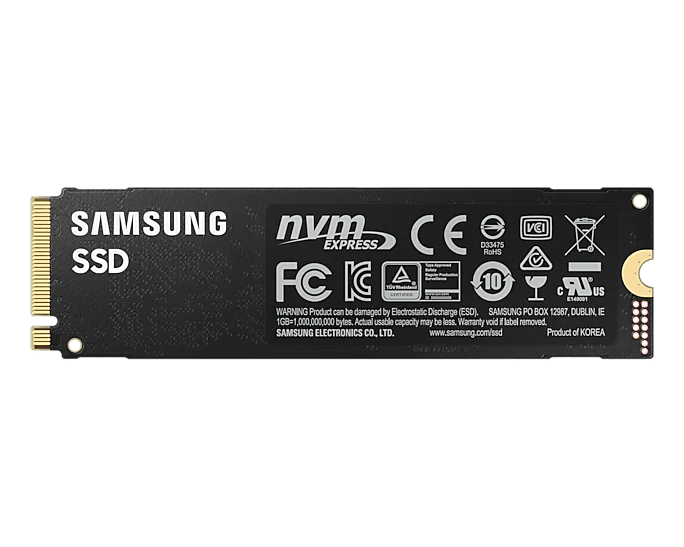

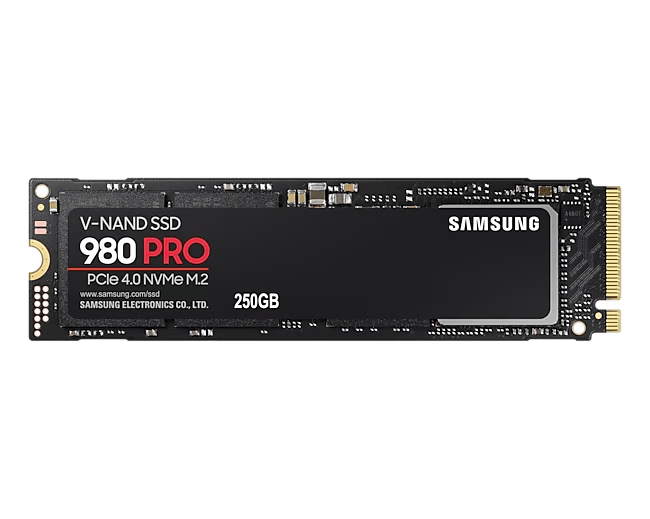

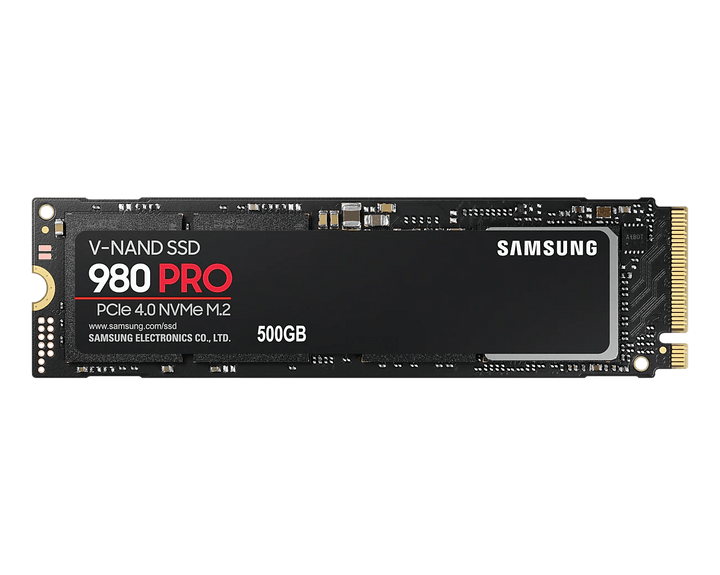

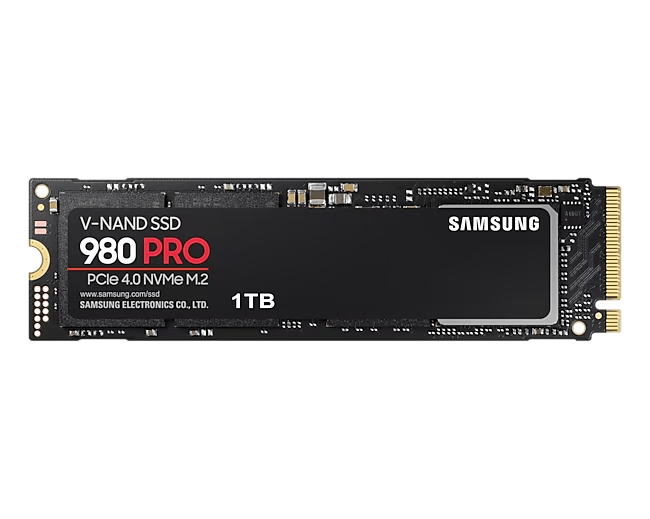





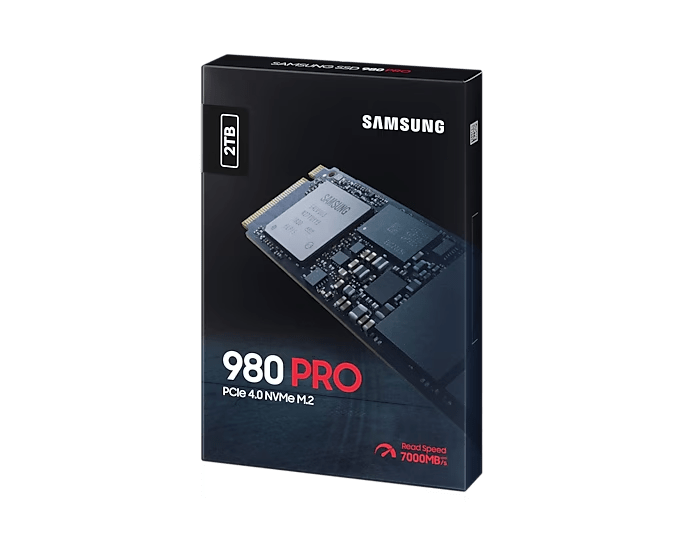

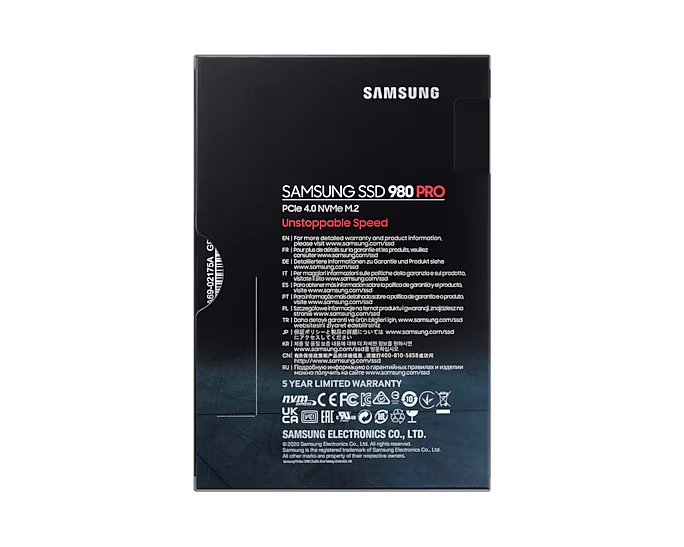

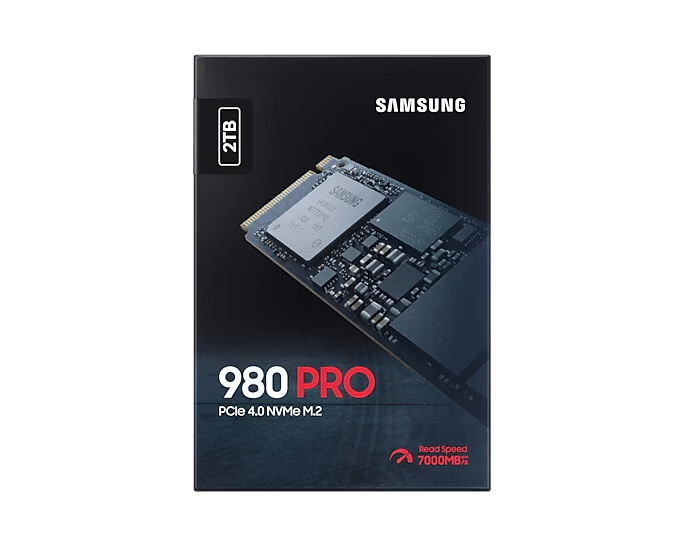

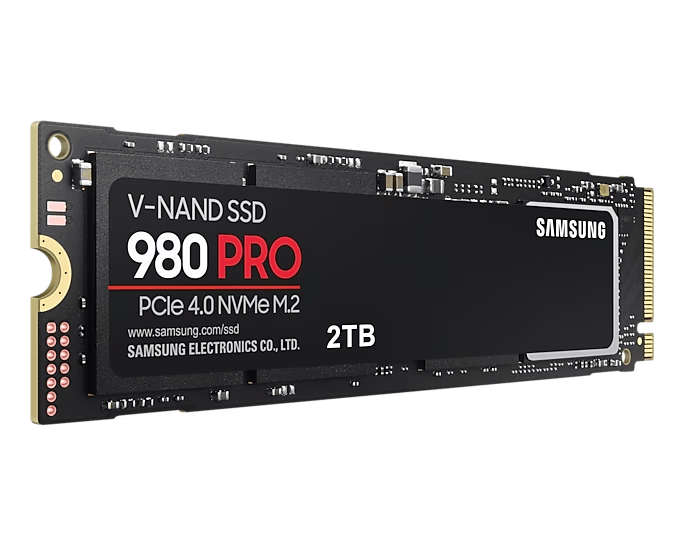

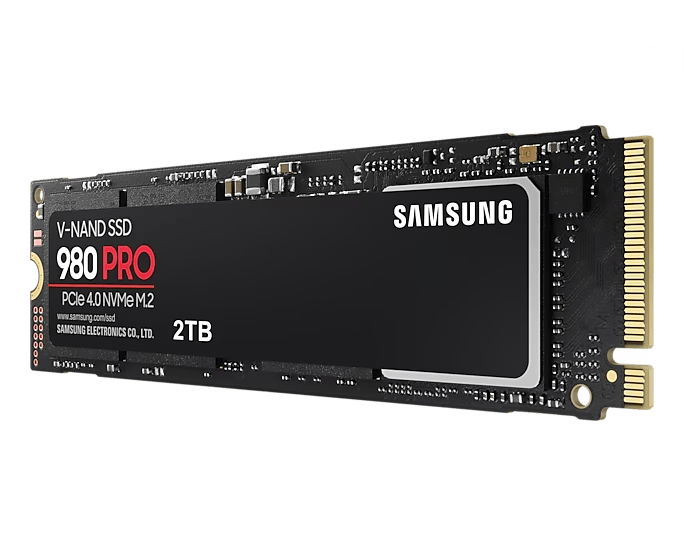

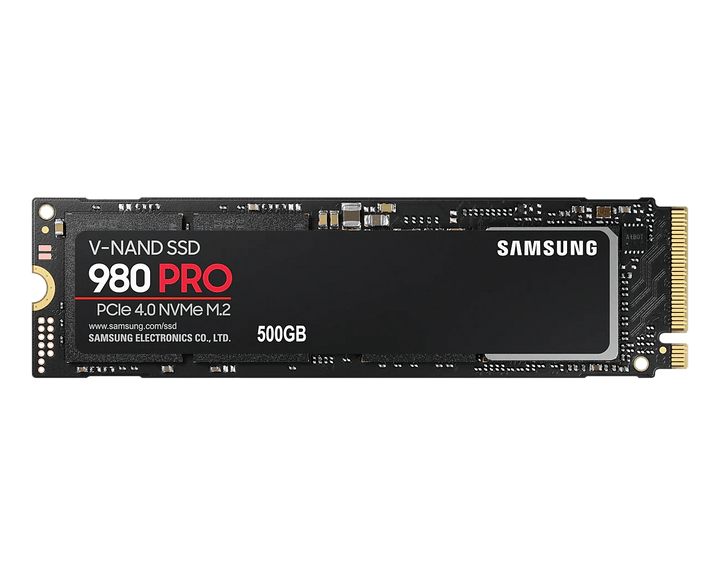

Samsung 980 PRO NVMe M.2 SSD
PCIe 4.0 Storage for Demanding Games and Creative Work Samsung 980 PRO combines PCIe 4.0 x4 connectivity, Samsung V-NAND and dedicated LPDDR4 cache in a...


PCIe 4.0 Storage for Demanding Games and Creative Work
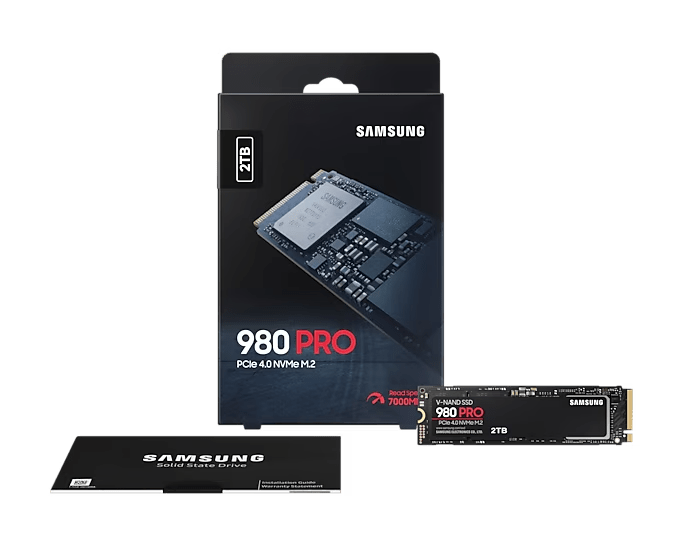
Samsung 980 PRO combines PCIe 4.0 x4 connectivity, Samsung V-NAND and dedicated LPDDR4 cache in a compact M.2 NVMe SSD. It suits compatible PCs handling demanding applications, game libraries and large working files, with family sequential performance up to 7,000MB/s reads and 5,100MB/s writes under Samsung test conditions. The relevant drive specification, host interface and workload determine the available performance.
This version is the bare M.2 module. Its heat-spreader label and thermal controls assist heat management, while the host must provide the required installation space and cooling. Check the separate Specs tab for performance differences, endurance and practical fitting requirements before planning a system upgrade.
Highlights
High-Bandwidth NVMe Connection
- PCIe 4.0 x4 NVMe storage with backward compatibility for suitable PCIe 3.0 hosts.
- Samsung V-NAND and dedicated LPDDR4 cache.
Performance with Clear Conditions
- Intelligent TurboWrite supports the published burst write ratings.
- Nickel-coated controller, heat-spreader label and Dynamic Thermal Guard manage drive heat.
System Fit and Ownership
- Bare M.2 2280 module for compatible systems and host-selected cooling.
- Samsung Magician support and a five-year limited warranty subject to endurance limits.
Key Features
Give Active Applications a Faster Storage Path
Place demanding games, content-creation applications and active project files on a compatible NVMe storage connection. The 980 PRO can help storage-intensive work use the bandwidth of PCIe 4.0, while the rest of the computer still determines the complete result. Tasks limited by processor speed, graphics performance or network delivery will not necessarily improve in the same way as local file transfers. Match the drive to the part of your workflow that needs faster storage.
Match PCIe Generation to the Host
The drive uses four PCIe lanes and the NVMe protocol. A suitable PCIe 4.0 connection is required for its full interface performance; compatible PCIe 3.0 systems can also use the drive at lower interface-limited rates. Check the motherboard or notebook documentation for the actual slot, available lanes, boot support and any resource-sharing conditions. A connector that accepts an M.2 module does not by itself establish NVMe or PCIe 4.0 support.
Combine Dedicated Cache with Intelligent TurboWrite
Samsung pairs its V-NAND and in-house controller with dedicated LPDDR4 cache. Intelligent TurboWrite supports the published write results within a specific transfer size, helping suitable bursts of media, game and application activity. Longer writes can produce different results after the fast writing area is used. Compare the detailed specification with your workload rather than treating the family maximum as a minimum speed or assuming that every operation uses the same access pattern.
Choose Cooling for the Actual Installation
This bare-module version has a heat-spreader label and a nickel-coated controller, supported by Dynamic Thermal Guard. It still needs an installation with appropriate thermal conditions and airflow. If the host uses a motherboard M.2 heatsink, follow its instructions for contact and clearance. A PlayStation 5 installation requires suitable additional heat dissipation and compliance with the console's M.2 requirements; the bare module does not include the pre-installed heatsink of the separate heatsink version.
Prepare the System before Moving Important Files
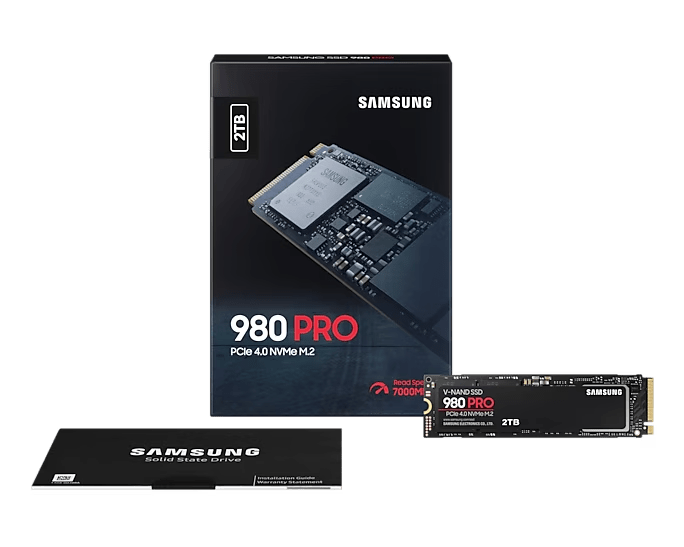
Confirm a compatible M.2 2280 position and the correct host fixing hardware before installing the SSD. The box contains the drive and warranty statement, while an installation kit is not supplied. Back up the source drive before migration and decide whether to clone a supported installation or perform a clean operating-system installation. Check current firmware and host settings, then verify the new storage and backup routine before removing the original copy of important data.
Use Management and Security Features Deliberately
Samsung Magician provides supported drive-health, diagnostic and firmware-management tools; available functions depend on the software version, operating system and connection. The SSD also supports AES 256-bit hardware encryption, TCG Opal and IEEE1667 with an appropriate configured host. Check the requirements before relying on a feature, particularly when the drive is connected through an adapter or enclosure rather than the intended internal connection. Management software and encryption serve different purposes from an independent backup.
Plan Endurance around the Written Workload
The limited warranty is subject to both the stated period and the applicable terabytes-written limit, whichever comes first. Large repeated writes, application scratch activity and normal game or office use place different demands on storage. Use the endurance details in Specs when assessing a workload and keep the drive within its published temperature range. S.M.A.R.T. information and a statistical reliability rating help describe the product, but neither predicts a particular drive's remaining life or protects the only copy of a file.
Summary
Samsung 980 PRO suits compatible systems where PCIe 4.0 NVMe bandwidth, dedicated cache and useful management features support demanding local storage tasks. Check the host interface, bare-module cooling and endurance requirements, then pair the installation with a dependable backup routine.
Samsung 980 PRO NVMe M.2 SSD
Samsung 980 PRO is a bare M.2 2280 client SSD using PCIe 4.0 x4 and NVMe 1.3c. Samsung V-NAND, an in-house controller and dedicated LPDDR4 cache support the capacity-dependent performance figures below. A suitable PCIe 4.0 host is required for the highest interface rates, while compatible PCIe 3.0 operation has lower limits. Check installation space, host cooling and endurance alongside speed. The physical weight describes the bare SSD and excludes any separate cooling assembly, fixing hardware or packaging.
| Specification | Details |
|---|---|
| Storage and Performance | |
| Drive type and interface | Client-PC SSD; M.2 2280, PCIe 4.0 x4 and NVMe 1.3c, backward-compatible with suitable PCIe 3.0 hosts. Capacities 250GB, 500GB, 1TB and 2TB; usable space is lower after formatting and system allocation. |
| Flash, controller and cache | Samsung V-NAND three-bit MLC (TLC), in-house controller and LPDDR4 cache: 512MB at 250GB and 500GB, 1GB at 1TB and 2GB at 2TB. |
| Sequential read / write | PCIe 4.0, up to: 6,400 / 2,700MB/s at 250GB; 6,900 / 5,000MB/s at 500GB; 7,000 / 5,000MB/s at 1TB; 7,000 / 5,100MB/s at 2TB. PCIe 3.0: up to 3,500MB/s reads and 2,700–3,470MB/s writes, capacity-dependent. |
| Random 4KB read / write | QD1, one thread: up to 22K / 60K IOPS. PCIe 4.0 QD32, 16 threads: up to 500K / 600K at 250GB; 800K / 1,000K at 500GB; 1,000K / 1,000K at 1TB and 2TB. PCIe 3.0 QD32, 16 threads: up to 690K read / 660K write IOPS, capacity-dependent. |
| Performance conditions | Up-to laboratory results measured with IOmeter 1.1.0 and the SSD as a secondary drive. Write ratings use Intelligent TurboWrite within a defined transfer size; sustained results can differ after its fast writing area is exhausted. Firmware, host configuration and workload affect results. |
| Installation and Physical Specifications | |
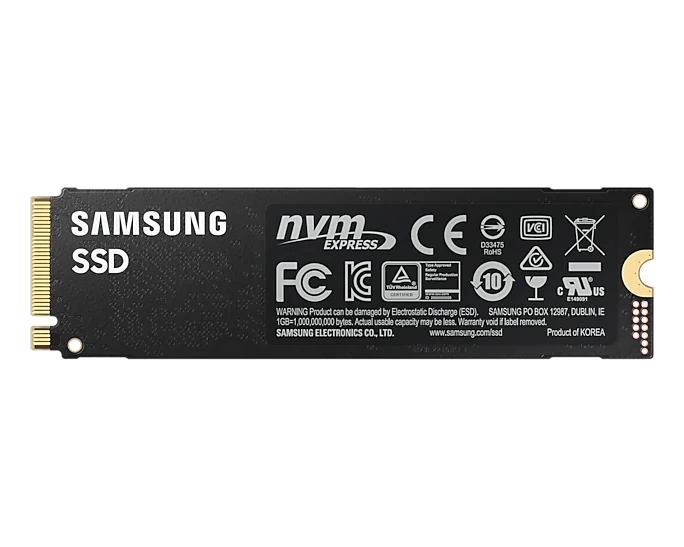
| Dimensions and device weight | Maximum 80.15 × 22.15 × 2.38mm. Bare SSD only: up to 9g, excluding packaging, host cooling and fixing hardware. |
| Host and cooling requirements | Compatible PCIe NVMe M.2 2280 socket, host firmware/OS support and suitable clearance/airflow. Bare module with heat-spreader label, nickel-coated controller and Dynamic Thermal Guard. PlayStation 5 use requires suitable additional heat dissipation and compliance with console M.2 requirements. |
| Power and Operating Conditions | |
| Supply and power | 3.3V ±5%. Average active power up to 6.2W read / 5.7W write, capacity-dependent. The 1TB model has a published burst peak of 8.9W, a different measurement from average power. Samsung IOmeter 1.1.0 test conditions; actual power varies with capacity, host and workload. |
| Idle and low-power modes | Up to 35mW idle with autonomous power-state transition enabled; 5mW in L1.2. |
| Operating and storage environment | Operating 0–70°C measured by S.M.A.R.T., with proper airflow recommended; non-operating −40–85°C. Humidity 5–95% non-condensing. |
| Shock and vibration | Non-operating: 1,500G for 0.5ms across three axes; vibration 20–2,000Hz at 20G. |
| Endurance and Warranty | |
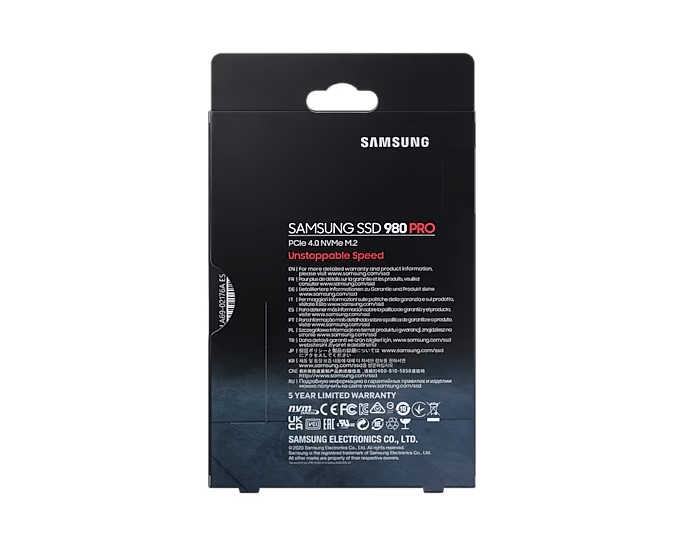
| Written-data limit and warranty | 150TBW at 250GB; 300TBW at 500GB; 600TBW at 1TB; 1,200TBW at 2TB. Five-year limited warranty or the applicable TBW limit, whichever comes first; eligibility and terms apply. Endurance tested to JESD218. |
| Reliability rating | MTBF 1.5 million hours, a statistical rating rather than an individual service-life guarantee. |
| Security, Software and Included Items | |
| Security and maintenance | AES 256-bit full-disk encryption, TCG Opal V2.0 and IEEE1667 with a suitable configured host. TRIM requires OS support; garbage collection and S.M.A.R.T. supported. WWN not supported; Device Sleep supported. |
| Software and package contents | Samsung Magician for management, diagnostics and firmware functions on supported Windows PCs; feature availability depends on software version and connection. Package: SSD and warranty statement. Installation kit not supplied; confirm host fixing hardware. |
| Size |
250GB, 500GB, 1TB, 2TB |
|---|