
Notifications
Video Doorbell Not Sending Phone Alerts? Check These Three Layers
A ringing chime does not prove that a phone alert was sent. Follow the event, notification rule and phone settings to find the missing step.
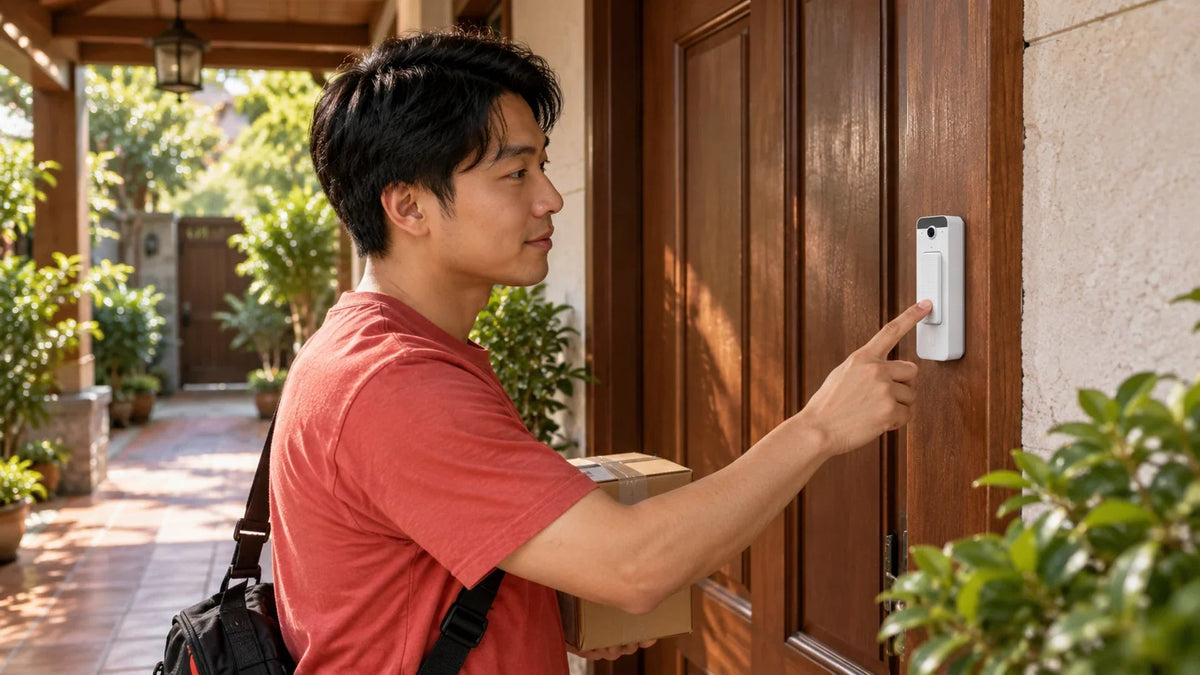
If your video doorbell records a visitor but sends no phone alert, check three layers: the event, the notification rule and the receiving phone. Test a button press separately from motion detection. A working indoor chime or live picture does not confirm that every step in the phone-notification path is working.
The delivery driver says they rang. There is a clip in the timeline, but your phone stayed silent. Replacing the doorbell is an expensive first response when the missing step could be an account, a schedule or a phone setting.
Start with one repeatable test and note its time. You will get further with a specific observation, such as “the press appears in the timeline at 14:05 but only one phone receives it”, than with “the doorbell does not work”.
First, Identify What Actually Failed
Ask someone to press the button once while you check the system. Wait for the event to appear before pressing repeatedly. Repeated presses make it harder to identify which event produced a delayed notification.
| What you observe | Where to investigate first |
|---|---|
| No device online or live picture | Device power, battery, hub or network connection. |
| Device online, but no matching press event | The button event and the device’s own status. Test motion separately. |
| Event exists, but nobody gets a phone alert | Event selection, notification schedule, recipients and app delivery settings. |
| One phone works; another does not | The second account, shared access and that phone’s permissions. |
| Alert arrives, but answering video fails | The live-view connection, permissions and service path. |
These are starting points rather than a diagnosis of a particular installation. Recording, indoor ringing, mobile push and two-way answering are related functions with separate dependencies.
Follow the Event, Rule and Phone
Find the Missing Step Before Replacing the Doorbell
A recorded event, an indoor chime and a phone notification prove different things.
01 Create the Event
Check the TimelinePress once and find the corresponding event at the correct time.
02 Route the Alert
Check the RecipientMatch the device, event type, schedule and signed-in account.
03 Deliver to the Phone
Test While LockedCheck app permission, Focus settings and the actual network connection.
Use the event timeline as the dividing point. If the expected event exists, keep that evidence and follow its delivery route. If it does not, changing the phone’s ringtone will not create it.
For motion alerts, check the selected detection area, event type and schedule using a person walking through the intended approach. For button alerts, use the physical button. A motion rule that ignores a doorway does not automatically explain a missing ring notification, and the reverse is also true.
Keep ordinary privacy and notification preferences in mind. A busy pavement may need carefully chosen motion rules, while the actual button press should reach the intended person. Avoid enabling every detection indefinitely just to make one test pass.
Check the App, Account and Alert Rule
Confirm that the phone is signed in to the intended account and site. Shared access to live video is not a reason to assume that the same user receives every alert.
In UniFi Protect, review the relevant Alarm Manager rule: trigger, selected doorbell, any schedule and the users to notify. Then check the receiving user’s push-delivery choice under My Notifications. Use the controls available in the installed Protect version; a rule for another camera or a general motion event is not proof that doorbell-ring alerts are configured.
For Tapo, check app notifications and the notification schedule as well as the phone. Tapo’s current guidance says doorbell ring calls and ring push alerts follow the activity-notification schedule. A schedule that looks suitable for motion may therefore explain missed ring alerts. Temporarily use an always-active test schedule, then restore the intended hours.
Make one change and repeat the timed press. Record whether the event and alert now appear. This preserves a useful trail if support is needed.
Test the Phone While It Is Locked

A test with the app open is incomplete if you normally rely on alerts while the phone is locked. Confirm that the operating system permits notifications for the app, including the presentation and sound you expect. Review Focus or Do Not Disturb settings and any scheduled quiet period.
On Android, review restrictions that may delay the app in the background. Phone makers use different menu names, so apply the app-specific guidance for that handset rather than switching off power management for everything.
Repeat with the phone on its usual WiFi, then on mobile data. If notifications arrive but live answering works only locally, use the remote camera viewing guide to investigate the connection. Do not add port-forwarding rules simply because a push alert was missing.
Try a second authorised phone if available. Its result is a useful comparison, not proof that the first phone is defective.
PoE and Battery Doorbells Have Different Dependencies

PoE video doorbell. Check the Ethernet and power path alongside Protect alert settings.

Battery doorbell kit with an H200 hub. Check the doorbell, hub and receiving phone separately.
The UniFi Doorbell Lite uses PoE, so its cable and supplying port matter. A battery-doorbell workflow such as the Tapo D230S1 also depends on its paired hub and that hub’s network connection. Their installation and troubleshooting steps are not interchangeable.
If the device itself drops offline, start with its power and network status. The PoE camera fault-finding guide explains the wired checks, while the PoE compatibility guide helps distinguish power standards and budgets.
Choose a replacement around the available wiring, mounting position, recording platform and alert workflow. A different badge on the door will not solve an account or phone-permission problem.
Finish with a Test You Can Repeat
Before calling the issue resolved, test a ring with the phone locked, a ring while away from local WiFi and a motion event if you want motion alerts. Check each intended recipient. Confirm that answering audio and video also work if those functions are part of the requirement.
If the fault returns, retain the event time, device status, app and phone versions, affected account and whether another phone worked. Share relevant evidence privately with the Support Specialist, excluding passwords, entry codes and unnecessary footage of visitors.
The practical answer: keep the doorbell if it reliably creates the required event and the fault is further along the alert path. Repair the power or connection if the device itself is unreliable. Replace hardware only when the evidence points to it or the existing system cannot meet the intended workflow.
Frequently Asked Questions
Why does my doorbell ring indoors but not on my phone?
The local chime and mobile notification use different parts of the system. Check that the press event exists, the correct account receives the alert and the phone permits the app’s notifications.
Why do alerts work only when the app is open?
Check notification permission, Focus or Do Not Disturb settings and background restrictions. Test the same event with the phone locked, using the handset maker’s app-specific settings.
Are motion notifications the same as button-press notifications?
No. They are different events. Some platforms share schedules or delivery controls, so test each event type and review the rules for the installed app version.
Does a recorded clip prove that a push notification was sent?
No. Recording proves that footage was captured. The rule, selected recipient and phone-delivery settings still need to be checked.
Will a PoE doorbell solve missed phone alerts?
PoE can provide a wired power and network path. It does not override app rules, user access or phone notification settings. Identify the failed stage before replacing the device.
What should I record before asking for help?
Keep the exact event time, doorbell and hub models, app and phone versions, the affected recipient and the result on another authorised phone. Keep account credentials and private footage out of public posts.


