
Mobile Connectivity
4G/5G Router Slow Despite Full Signal? Fix The Connection At Your Site
Full signal bars do not guarantee usable site internet. Separate the mobile connection from local WiFi, then fix placement, SIM settings and peak-time bottlenecks.
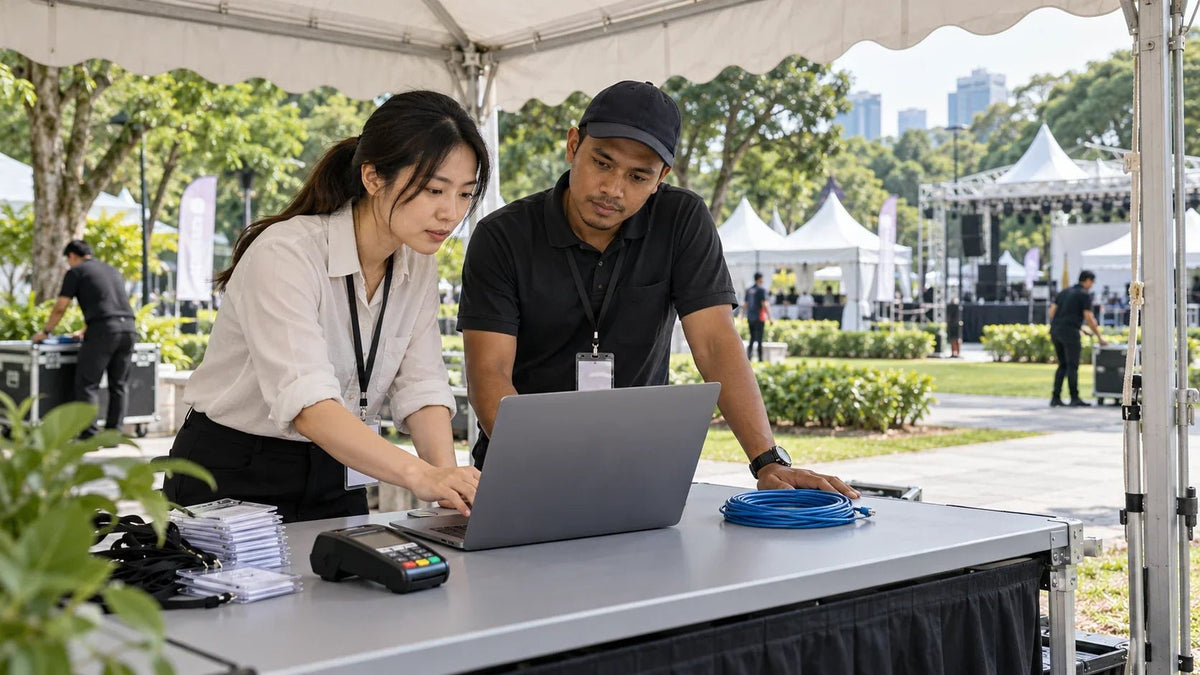
When a 4G or 5G router is slow, test the mobile connection and local WiFi separately. Start with one wired computer, confirm the SIM and APN, then compare signal quality, placement and busy-hour performance. Full bars alone cannot tell you which part needs fixing.
The outdoor event is ready, but registration pages hesitate and a payment terminal takes too long to respond. At a worksite, the connection works before the crew arrives and struggles by lunchtime. Buying a more powerful WiFi router may leave the original problem untouched.
Follow the connection from the mobile network to the device doing the work. A good result is a repeatable registration, upload or call during the busy period, with a clear record of what changed.
Find The Slow Part Before Replacing Anything
Can the router register, receive an internet address and exchange data reliably?
Does a wired device work properly while a nearby wireless device struggles?
Does the application complete when other users are active?
Pause large downloads and cloud synchronisation briefly, connect one computer by Ethernet and run three checks using the same destination. Record download, upload and responsiveness. Then repeat over local WiFi. If the wired result is sound, work on the local wireless network. If both are poor, investigate the mobile connection and the router’s upstream settings first.
Full Signal Bars Are Only One Clue
Signal strength and signal quality answer different questions. A strong received signal can still be difficult to use in interference, and a busy mobile cell has to share its resources. Where the router exposes them, record RSRP, RSRQ and SINR alongside the network type and band.
| Reading | What It Helps Explain | Useful Next Check |
|---|---|---|
| RSRP | Received reference-signal strength. | Compare candidate mounting positions. |
| RSRQ | Signal quality in the surrounding radio conditions. | Look for a more usable position, not simply more bars. |
| SINR | The wanted signal compared with interference and noise. | Compare quality and task performance together. |
| Network Type And Band | Which mobile service the router is actually using. | Check support for the operator and regional device variant. |
Use the device’s own guidance to interpret the readings. One universal threshold table cannot account for every radio mode and modem. Keep the before-and-after values so that a change in location can be judged on evidence.

Confirm The SIM, Plan And APN
If the router shows service but cannot reach the internet, inspect its SIM status and internet address. A missing SIM, PIN lock or unsuccessful connection needs a different fix from a slow but connected service.
- Confirm that the SIM is activated and its plan permits use in the intended router.
- Check remaining data, fair-use restrictions, roaming conditions and any device data limit.
- Match the APN, authentication and IP settings to the operator’s instructions. Do not copy a random APN from another country.
- Check the regional model’s supported mobile bands and use the supported automatic network mode as the starting point.
A phone test with the same SIM is useful as a service check. It does not establish that the router should produce the same speed: the phone may use a different modem, band combination or antenna arrangement. Save the existing configuration before making changes and alter one setting at a time.
Move The Mobile Receiver, Not Just The Laptop
Compare a few practical positions around the building or site. Walls, coated glass and metal can change the result substantially. Keep the test device, destination and task consistent while you change the receiver position.
For a permanent exposed installation, use equipment intended for that environment. A plastic box or an open marquee is not a substitute for the correct enclosure, cable seal, mounting and operating conditions. Keep power supplies and network connections protected as specified.
An outdoor mobile receiver also lets you separate two jobs: place the mobile equipment where reception works, then carry Ethernet to the local network where people need coverage. Do not force both jobs into one poor location.
Plan The Ethernet Handoff And Local WiFi
Two Different Wireless Connections
- Mobile Network
- Outdoor 4G/5G Receiver
- Ethernet Handoff
- Router / Local Network
- Access Point
- Staff and Guests
Check the negotiated Ethernet speed, the cable and the client adapter. A 2.5GbE receiver attached to a slower port cannot pass more than that port allows. Equally, a faster port cannot make the mobile network deliver more capacity.
The TP-Link NE200-Outdoor has a 2.5GbE PoE/LAN handoff and an IP66 outdoor enclosure. It does not provide local WiFi. Include the necessary downstream network and compatible power source in the plan.
Test When The Site Is Actually Busy
Repeat the same checks before opening and during the expected busy period. Note how many users are active, whether uploads are running and whether the connection changes network type. A fast result during an empty-site visit is not a complete acceptance test.
Try the important applications together: registration, the payment workflow and any required live upload. Ask whether each task completes promptly, rather than judging the system only by its highest download result. Keep a second operator option available for a critical event where practical; two SIMs sharing the same underlying network may not remove the same congestion risk.
If the plan includes automatic backup connectivity, see why calls and VPNs can still drop during dual-WAN failover. A backup route and uninterrupted application sessions are separate requirements.
Choose Equipment For The Identified Problem


Choose from the diagnosis. Better outdoor reception calls for the right receiver and installation; poor local WiFi calls for access-point placement and backhaul; operator congestion calls for a service or network-path decision. Extra antennas or a higher headline speed do not solve every case.
Include Remote Access And Power In The Site Plan
A mobile connection may sit behind carrier-grade NAT. A port-forwarding rule on the local router does not create a publicly reachable address at the operator. For cameras or remote equipment, confirm the supported secure access method and any operator APN or address requirement before deployment.
Keep management access controlled, use supported firmware for the exact model and protect the complete power path. If a brief outage must not stop the event, size backup power for the mobile receiver, router, switch and AP that must remain running. The UPS runtime planning guide explains how connected loads change the requirement.
Leave With A Connection You Can Repeat
Before handing over, record the SIM plan, APN, equipment versions, mounting position, Ethernet link speed and the busy-period task results. Retest after a restart so the working setup does not depend on an unsaved setting.
Fix the weakest part first. Confirm the mobile service over a wired connection, improve the receiver position, then build local WiFi around the users. That sequence makes the next purchase and the next support conversation much more useful.
Frequently Asked Questions
Why is my 5G router slow when the signal bars are full?
Bars describe only part of the radio connection. Interference, cell congestion, the SIM plan, the modem and local WiFi can still limit performance. Test a wired computer first, then compare signal quality and the same task at several locations and times.
Is 5G always faster than 4G at an event or worksite?
No. Coverage, network load and the available bands affect the result. Use the supported automatic network mode as a starting point and compare actual performance. A stable connection that completes the job is more useful than a 5G label with intermittent service.
Does the NE200-Outdoor provide WiFi for guests?
No. It receives the mobile internet connection and presents an Ethernet handoff. Add a suitable router, switch and access point arrangement for the local network. Plan that handoff and its power supply before selecting the equipment.
Can I move an ordinary indoor 5G router outside?
Use it only within its specified environment. An open tent does not make an indoor router weatherproof. For a permanent exposed position, choose outdoor-rated equipment and install the cable entry, mounting and protection according to its instructions.
Why is my phone faster with the same SIM?
The phone and router can use different modems, bands and antenna arrangements. A phone result confirms that some service is available, but it is not a controlled router comparison. Keep the SIM, location, time and test destination as consistent as possible.
Will a public IP address make mobile internet faster?
It is primarily an access and routing decision, not a speed upgrade. A public or private APN can be relevant to VPNs and remote equipment. Ask the operator about the required service, address type and restrictions rather than assuming port forwarding will work.


