
Mobile Networking
Pop-Up Shop Payments Offline: Check WiFi, SIM and the Internet Path
A WiFi symbol does not prove a payment connection is ready. Trace the terminal, checkout device, hotspot and mobile-data service before the queue builds.
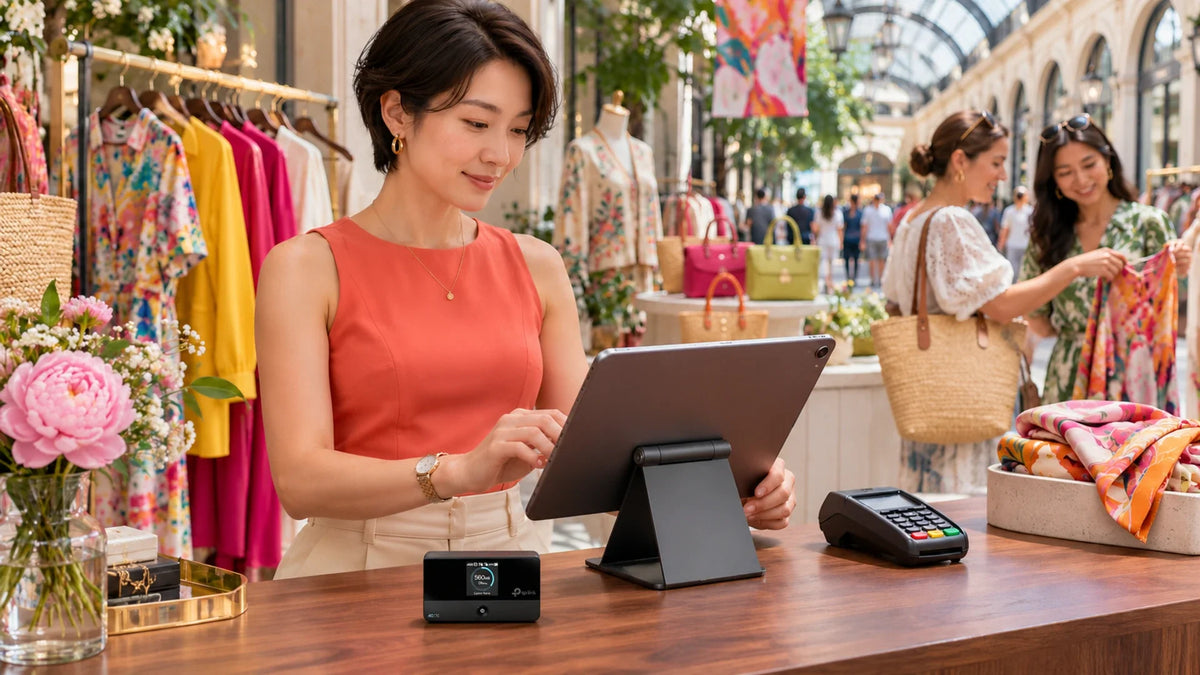
When a pop-up shop’s card terminal goes offline, check each connection separately. Confirm how the reader connects, whether the checkout device has internet access and whether the SIM or venue network can reach the required service. A portable hotspot helps only when the terminal provider supports that arrangement.
The display is ready, customers are browsing and the payment screen suddenly stops connecting. Staff can see WiFi bars, so they restart the terminal. If the real fault is an inactive SIM or a venue sign-in page, that restart changes very little.
A temporary shop needs a complete checkout connection. Plan it as carefully as the table, signage and stock. You can then tell whether the problem belongs to the terminal, the local wireless link, the internet service or the payment provider.
Find Out Which Device Actually Needs Internet
Some readers use their own WiFi connection. Others communicate with a phone or tablet over Bluetooth and depend on that device for internet access. Some have their own mobile service. Check the exact reader and integration before choosing a router.
Two Reader Arrangements, Different Dependencies
Identify which device supplies the internet connection.
01 Reader with its own WiFi connection
Test the reader’s networkA staff phone browsing successfully does not prove that the reader has the required connection.
02 Reader linked to a checkout device
Test the checkout device tooLocal pairing and upstream internet are separate stages. Follow the reader provider’s requirements.
For a reader linked to a checkout tablet, the tablet’s connection may be the missing stage. For a smart reader connected directly to WiFi, testing only the staff phone leaves the reader’s own network unverified. Record the actual arrangement rather than assuming every terminal works the same way.
Use the Symptom to Pick the Next Test
| Symptom | Check first | What that tells you |
|---|---|---|
| The terminal cannot join WiFi | Supported wireless band, saved network and credentials | Whether it can reach the local network at all |
| It joins WiFi but cannot connect to the service | Internet availability and provider network requirements | A WiFi association is not an end-to-end connection |
| Every connected device loses internet | Hotspot status, SIM account and mobile service | The shared upstream path deserves attention |
| Only the checkout app or reader fails | App, reader pairing, required local discovery and provider status | The fault may be beyond the general internet link |
| It works early, then fails during the event | Power, data allowance, placement and crowd conditions | The operating conditions differ from the setup test |
Use an authorised test device on the intended network to check an ordinary webpage. If that works but the terminal does not, keep the evidence: the time, error wording, terminal model and connection method. Follow the terminal provider’s diagnostic process before changing its network rules.

Decide Whether Venue WiFi Fits the Checkout
Venue WiFi may require a browser sign-in, expire after a session or isolate connected devices from one another. Those arrangements can matter when a reader needs local communication with its checkout system. Ask the venue and terminal provider whether the required path is supported.
Do not disable isolation or open ports across a shared public network just to make a reader appear. Request the intended business connection, or test an approved independent mobile path. A phone browsing successfully after completing a sign-in page does not prove that the reader can do the same.
Keep guest browsing separate from checkout use. A dedicated small hotspot reduces the number of people sharing that connection, but it does not replace the payment provider’s security and compatibility requirements.
Check the SIM Before Blaming the Hotspot
On a TP-Link M7350, distinguish a SIM that is not detected from one that is detected but not connected to mobile data. A PIN prompt, no-service message and exhausted allowance are different faults.
Confirm the plan is active and permits use in the router. Use the carrier’s correct APN and any required account details. Check the exact hardware revision’s mobile bands against the carrier and region. A SIM that works in one phone does not, by itself, confirm every router and plan combination.
Position the hotspot where mobile reception is useful, with ventilation and suitable power. A metal cash drawer is a poor default place to hide it. The M7350 is a portable 4G device; buying a 5G-labelled SIM does not turn its modem into 5G.
Rehearse Opening, Busy Periods and the Fallback
- Charge or power the hotspot using the appropriate supply.
- Confirm mobile data and the saved checkout connection at the actual counter.
- Run the terminal provider’s approved test, including the real reader and checkout device.
- Check what happens if the source device sleeps or staff leave with a paired phone.
- Document the provider-approved fallback and who can authorise it.
If a transaction’s status is uncertain, follow the payment provider’s process before retrying. A network guide cannot determine whether that payment completed. Do not improvise an offline-payment mode or factory-reset a terminal during a live queue.
A second SIM on the same mobile network may still share the same coverage problem. Where a fallback matters, test the actual alternative at the site. Signal strength alone is not a rehearsal of the complete checkout process.
Where a Pocket Router Fits

A portable SIM-based internet option for a small temporary setup. Confirm regional bands, plan terms, power and the terminal provider’s supported network arrangement.
The useful upgrade is a tested checkout path. A pocket router can give a small pop-up an independent connection without relying on a staff member’s personal hotspot. A permanent shop with wired devices, several zones or a defined failover requirement may need a different router design.
Frequently Asked Questions
Why is my card terminal offline when WiFi is connected?
Joining WiFi confirms only the local wireless connection. Mobile data, venue sign-in, local device communication or the payment provider’s service can still prevent the complete checkout path from working.
Can I use a TP-Link M7350 for a pop-up shop?
It can provide a portable 4G WiFi connection where the carrier, SIM plan and terminal provider support the arrangement. Test the exact reader and checkout device before relying on it at an event.
Does the terminal need the same WiFi as the tablet?
That depends on the reader and integration. Some need local communication with the checkout device; others use a different architecture. Follow the provider’s requirements rather than assuming one layout fits all readers.
Should I buy 5G just for card payments?
Choose the connection around reliability, coverage and the provider’s requirements. A higher advertised speed does not fix an unsupported network layout, expired SIM or browser sign-in requirement.
Why does a hotspot work before the event but fail later?
Check power, data allowance, placement and conditions when people arrive. Also check whether a paired source phone left the counter or a saved network changed. Test the operating arrangement, not just an empty-room setup.
Should I reset the terminal when a payment gets stuck?
Follow the payment provider’s procedure and confirm transaction status first. Repeated retries or a factory reset can create more work without fixing the upstream connection.


