



Elgato Stream Deck Module Embeddable LCD Keypad
Build Stream Deck controls into the panel you already use Elgato Stream Deck Module puts programmable LCD keys into a bare, unbranded assembly for custom hardware. Mount it in a control panel, production cart or project enclosure and connect it to a compatible USB host. Choose a key layout to suit the space, workflow and number of functions you need at a glance. Highlights Custom installations Bare LCD keypad intended for integration into custom hardware Key layouts 6-, 15- and 32-key layouts ordered by key count Software and connection USB-C connection and support for Stream Deck software Custom labels, profiles and workflow actions Key Features Choose the right panel footprint The key counts have different enclosure dimensions and key resolutions. Check the selected module before cutting a panel or ordering mounting parts. Programmable LCD keys Assign icons and supported actions to the keys through the Stream Deck app. Visible labels help an operator recognise functions at a glance. Built for integration The bare module suits custom desks, consoles and enclosures. Provide the mounting, cable clearance and strain relief required for your own build. USB and software Use the correct USB-C data connection and supported Stream Deck version. Package contents vary by the selected module. Summary Choose this family for a panel-mount project where the control surface needs to fit a specific enclosure or operator station. Frequently Asked Questions Is Stream Deck Module ready to put on a desk?ExpandCollapse It is a bare unit for mounting in your own panel or enclosure. For a finished desktop controller, choose a Stream Deck with its own enclosure or stand. How do I choose the key count?ExpandCollapse Start with the mounting area and the number of controls the operator needs visible at once. Use the dimensions in Specs and the manufacturer's mechanical references to plan your panel. Can the keys run multiple actions?ExpandCollapse Stream Deck software supports profiles, folders and multi-action workflows. Check the particular actions and plugins you need in your application. Which cable is required?ExpandCollapse These versions use USB-C for USB 2.0 data. Elgato lists a cable with the 6-key option. Plan a suitable cable separately for the other two options. Can I place a Module away from its host over Ethernet?ExpandCollapse Elgato offers the compatible Network Dock separately. Check the dock, software and network requirements before installing it.
追加商品 (1)
3005, Ubi Avenue 3, #01-88で受け取り可能
通常2〜4日で準備が完了します
Elgato Stream Deck Module Embeddable LCD Keypad
商品説明
Build Stream Deck controls into the panel you already use
Elgato Stream Deck Module puts programmable LCD keys into a bare, unbranded assembly for custom hardware. Mount it in a control panel, production cart or project enclosure and connect it to a compatible USB host. Choose a key layout to suit the space, workflow and number of functions you need at a glance.
Highlights
Custom installations
- Bare LCD keypad intended for integration into custom hardware
Key layouts
- 6-, 15- and 32-key layouts ordered by key count
Software and connection
- USB-C connection and support for Stream Deck software
- Custom labels, profiles and workflow actions
Key Features
Choose the right panel footprint
The key counts have different enclosure dimensions and key resolutions. Check the selected module before cutting a panel or ordering mounting parts.
Programmable LCD keys
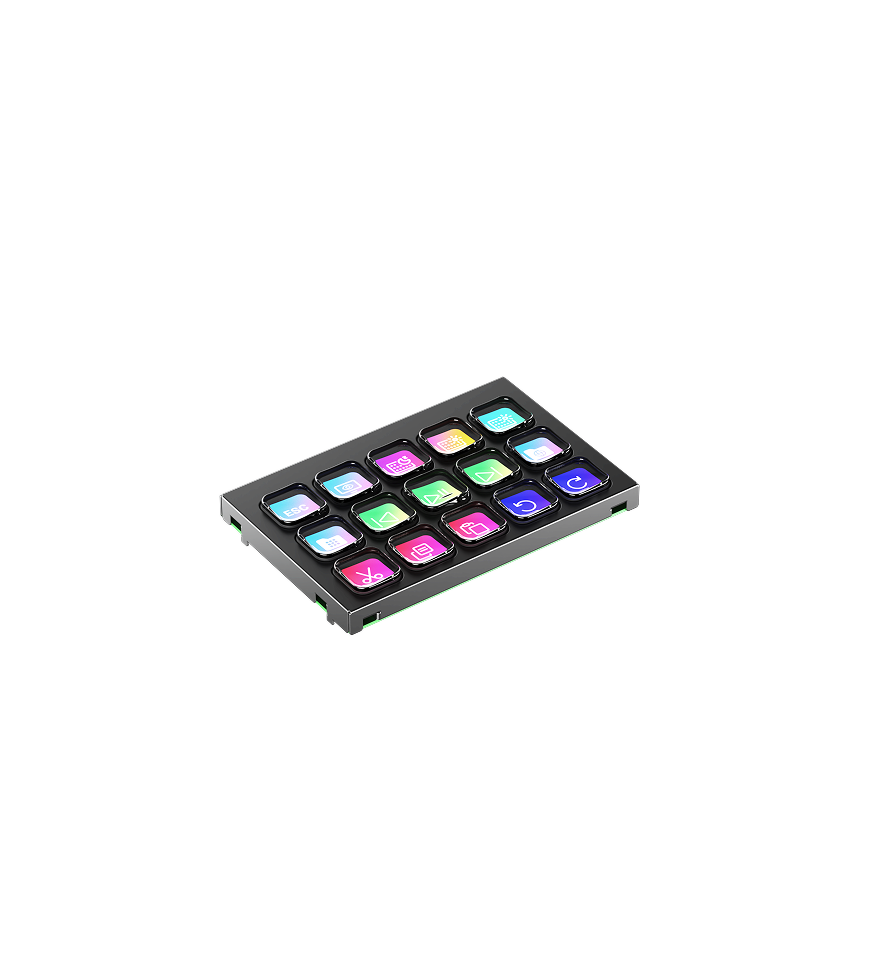
Assign icons and supported actions to the keys through the Stream Deck app. Visible labels help an operator recognise functions at a glance.
Built for integration
The bare module suits custom desks, consoles and enclosures. Provide the mounting, cable clearance and strain relief required for your own build.
USB and software
Use the correct USB-C data connection and supported Stream Deck version. Package contents vary by the selected module.
Summary
Choose this family for a panel-mount project where the control surface needs to fit a specific enclosure or operator station.
Frequently Asked Questions
Is Stream Deck Module ready to put on a desk?
It is a bare unit for mounting in your own panel or enclosure. For a finished desktop controller, choose a Stream Deck with its own enclosure or stand.
How do I choose the key count?
Start with the mounting area and the number of controls the operator needs visible at once. Use the dimensions in Specs and the manufacturer's mechanical references to plan your panel.
Can the keys run multiple actions?
Stream Deck software supports profiles, folders and multi-action workflows. Check the particular actions and plugins you need in your application.
Which cable is required?
These versions use USB-C for USB 2.0 data. Elgato lists a cable with the 6-key option. Plan a suitable cable separately for the other two options.
Can I place a Module away from its host over Ethernet?
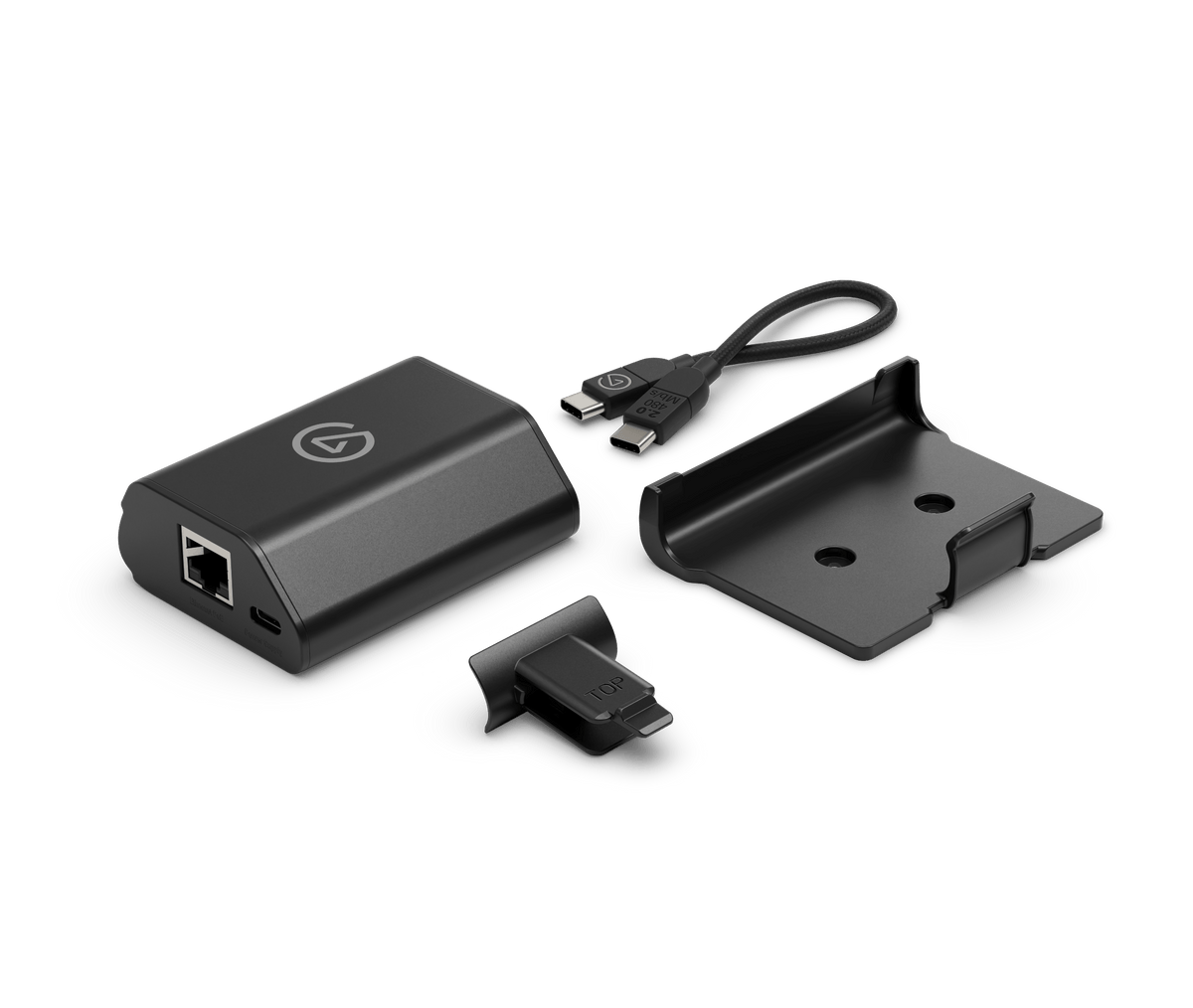
Elgato offers the compatible Network Dock separately. Check the dock, software and network requirements before installing it.
仕様
Elgato Stream Deck Module Embeddable LCD Keypad
Stream Deck Module is a bare USB-C LCD keypad for installation into a custom panel, enclosure or operator station. Select the key layout using the dimensions for the corresponding footprint. The Stream Deck app supplies profiles and supported actions on the host. Allow space for mounting hardware and cable clearance when designing the enclosure.
| Specification | Details |
|---|---|
| Control and Software | |
| Key technology | Customisable LCD membrane keys |
| Host interface | USB 2.0 over USB-C |
| Operating systems | Windows 11 64-bit or newer or macOS 13 or newer |
| Software | Stream Deck 6.9 or newer. Confirm supported third-party integrations for your build |
| Key Layout and Mounting | |
| 6 Keys | 80 x 80 pixels per key. 19 x 71 x 51 mm (D x W x H). 57 g |
| 15 Keys | 72 x 72 pixels per key. 20 x 107 x 70 mm (D x W x H). 115 g |
| 32 Keys | 72 x 72 pixels per key. 25 x 169 x 103 mm (D x W x H). 292 g |
| Construction | Bare module for a customer-supplied enclosure or mount |
| Installation context | Integrated panel or enclosure supplied separately. Confirm the selected footprint and USB cable routing before fabrication |
| Package Contents | |
| 6-Key package | Module and 1.5 m USB-C cable |
| 15- and 32-Key packages | Selected module. Use a suitable USB-C data cable for the installation |
追加商品