
Home Networking
WiFi Access Point Behind a TV or Cupboard: Fix Placement First
Before buying a faster AP, move the radio into a useful position. Compare obstructions, proper wall mounting, the return signal and the wired uplink.
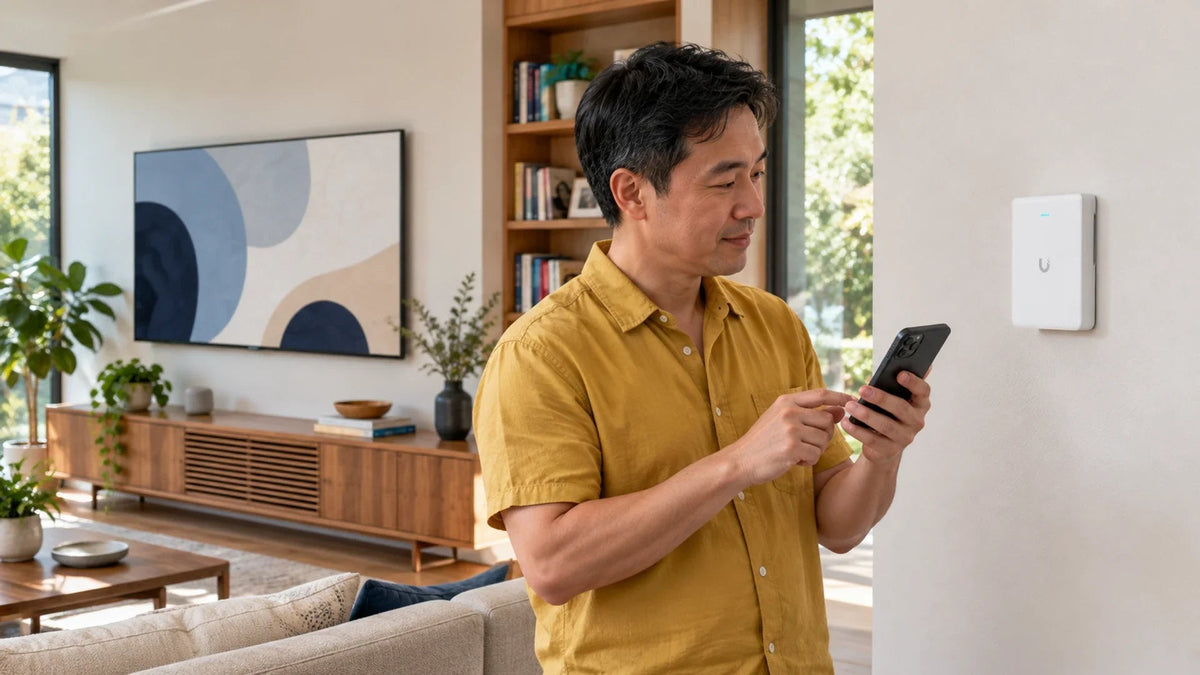
If an access point is hidden behind a TV or inside a cupboard, test a clearer, correctly oriented position before buying a faster model. Walls, metalwork and furniture can obstruct the radio path. Keep the AP mounted as intended, retain a suitable wired connection and compare the actual rooms with the same client.
The new access point is fast beside the cabinet but disappointing at the dining table. Its network name appears everywhere, yet calls drop in the next room. The cable outlet dictated a tidy hiding place, while the radio needed an open path.
Placement is part of the network design. A higher WiFi generation cannot remove a television’s metal backplate or make a phone transmit more strongly through a difficult wall.
Why a Tidy Hiding Place Can Be a Poor Radio Position
A television, metal cabinet, dense wall or large appliance can obstruct part of the path between an AP and a client. Nearby electronics and other wireless systems can add another variable. The effect depends on the materials, geometry, band and devices, so there is no universal “one wall equals this many metres” rule.
Start with the actual usage locations rather than the spot where the router happens to fit. A room with a visible network name may still have insufficient signal quality or airtime for a reliable call.
Clear the Path Before Changing the WiFi Generation
Conceptual top views. Building materials and the actual client still determine the result.
01 AP hidden behind an obstruction
A tidy position can obstruct the radioA visible network name does not establish a reliable two-way connection.
02 AP clear of the nearby obstacle
Compare a supported clearer positionRetain proper mounting, power and backhaul while testing with the same client and task.
Do not assign a coverage radius from the picture. A placement sketch is useful for identifying obstacles and candidate cable routes; it does not replace measurements in the building.
Mount for the Specific AP, Not a Generic Antenna Shape
Wall and ceiling products can have different mounting arrangements and intended coverage patterns. Use the installation guide for the exact AP. Do not assume that every flat device performs identically when laid on its back, mounted sideways or hidden inside a ceiling void.

A wall-oriented WiFi 7 AP with a 2.5GbE uplink and PoE+ power. Use the supported mount and an unobstructed candidate position.
The U7 Pro Wall provides a model-specific wall mount, with separately available mounting accessories for other supported arrangements. Keep its casing and ventilation clear and route the cable through the intended rear connection path.
A manufacturer’s area or client-count planning figure is not a guarantee for every floor plan. Compare the supported installation, radio bands and wired requirements with the actual room layout.
The Phone Must Reach the AP as Well as Hear It
WiFi is a two-way connection. A client can detect the AP’s network while its own return transmission struggles. Increasing AP transmit power alone is therefore not a dependable repair for every weak corner.
Use the same phone or laptop for a placement comparison, with the same task and comparable settings. Confirm which AP and band it actually uses. A phone that remains attached to another AP can make a placement test difficult to interpret.
If the problem occurs while walking between rooms, use the client roaming guide for that separate handover behaviour. Do not assume an extra AP guarantees a client will move to it at the right moment.
Preserve the Wired Foundation While Improving Placement
Moving the radio helps only when its power and network connection remain suitable. Check the uplink’s negotiated rate, cabling and PoE source. A poor Ethernet link can limit a well-positioned AP.

The U7 Pro Wall uses a 2.5GbE uplink and PoE+. Confirm the supplying equipment supports the intended power and link rate; a connector fitting does not establish either. The PoE injector speed-and-power guide explains that selection.
If a cable cannot reach the better location, compare a planned cable route with a supported wireless-backhaul design. The mesh and wired-AP guide explains the different paths. Keep power and installation requirements in the plan rather than moving the AP to an unsupported position.
Use a Room-by-Room Placement Test
- Mark the actual call, study, television and work positions on a simple plan.
- Record the current AP, mounting orientation, band and wired link.
- Temporarily test a safe, supported, clearer position without altering several radio settings.
- Repeat the same call, transfer or application task in each important room.
- Record failures, retries or unstable performance as well as peak speed.
- Choose the final cable route and mount after the comparison.
Include an ordinary busy period. A speed test beside the AP at a quiet time does not establish how a meeting room or family space behaves when occupied. Avoid inventing a throughput improvement from the appearance of a placement sketch.
For an installation with several APs, review their positions and channel plan together. More radios in the same small space can create additional contention if they are not planned appropriately.
Decide Between Repositioning, Another AP and an Upgrade
Reposition first when the weak path is caused by an avoidable obstruction near the AP. Add a suitably connected AP when the layout has a genuinely separate coverage area. Upgrade the model when a verified capability or capacity need remains after those foundations are sound.
When requesting a design, include the floor plan, wall materials, available Ethernet points, intended device locations and the tasks that fail. Share room labels rather than personal information, and keep router backups and passwords private.
The practical choice: spend the first effort on placement, mounting and the wired path. Choose a faster AP when it solves a demonstrated requirement, rather than hiding another powerful radio behind the same obstacle.
Frequently Asked Questions
Can I hide an access point behind the television?
It may impair the radio path depending on the TV, mounting and surrounding materials. Compare a clearer supported position before assuming a faster AP is required.
Does a visible WiFi name prove coverage is good?
No. The client must maintain a usable two-way connection for the intended task. Test calls, transfers or applications at the actual usage position.
Should I turn transmit power to maximum?
That does not automatically repair the client’s return path or remove an obstruction. Check placement, client association and the wider radio plan first.
Can a wall AP simply lie inside a cupboard?
Follow the exact model’s intended mounting and ventilation requirements. A convenient shelf position is not proof that its coverage pattern and radio path suit the room.
What does the U7 Pro Wall need upstream?
Its documented uplink is 2.5GbE and its power method is PoE+. Match the cable, power source and supplying network to the intended deployment.
Will adding another AP always fix the room?
No. It needs suitable backhaul, power, placement and a coordinated radio plan. First identify whether the failing stage is radio coverage, shared airtime or the wired/service path.


