
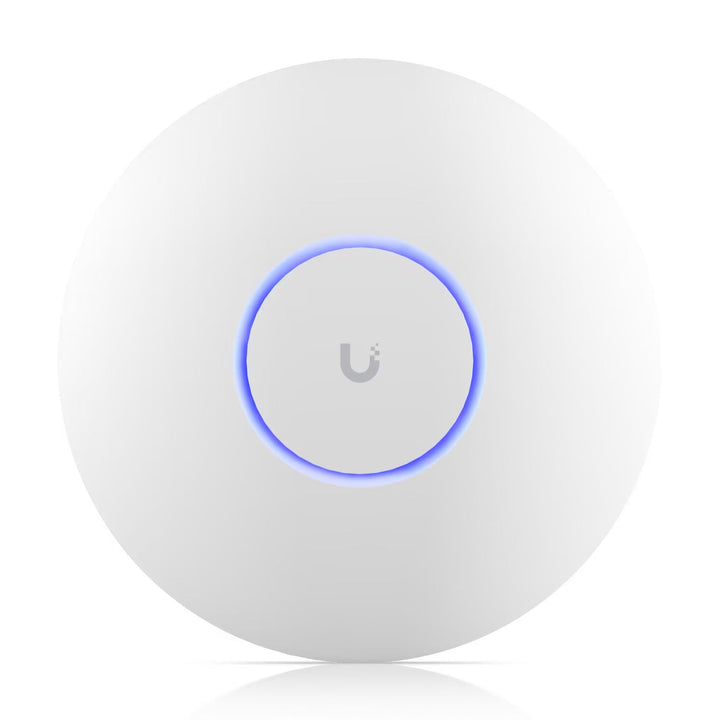








Ubiquiti U7-Pro WiFi 7 Ceiling Access Point
Tri-band WiFi 7 for a managed indoor network The Ubiquiti U7-Pro adds tri-band WiFi 7 to offices, shops and homes using UniFi Network. Six spatial...


Frequently Bought Together
Tri-band WiFi 7 for a managed indoor network
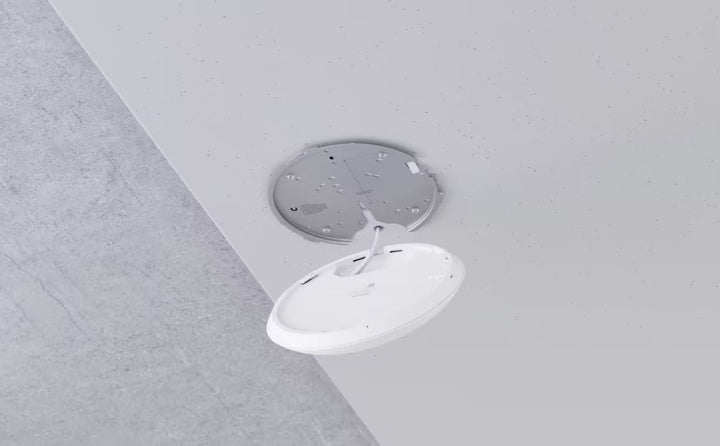
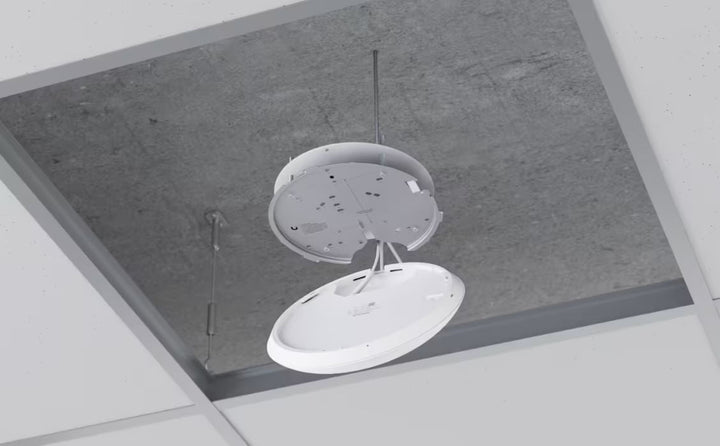
The Ubiquiti U7-Pro adds tri-band WiFi 7 to offices, shops and homes using UniFi Network. Six spatial streams serve compatible devices across 2.4GHz, 5GHz and 6GHz, while a 2.5GbE uplink connects the access point to a suitable wired network. Its included Pro Mount supports ceiling or wall installation, and a separate PoE+ source supplies power.
Highlights
Tri-band WiFi 7
- 2.4GHz, 5GHz and 6GHz radios with six spatial streams.
- 2 × 2 MU-MIMO on each band, with compatible older WiFi devices supported.
Wired speed and power
- 2.5GbE Ethernet uplink for a suitable upstream network.
- PoE+ carries power and data through one cable; the injector or switch is separate.
Managed coverage
- Published planning figures of 140m² coverage and 300+ connected clients, dependent on the site.
- UniFi Network provides coordinated configuration, guest access and radio controls.
Key Features
Use the appropriate radio band for each device
WiFi 7 supports modern clients while the 2.4GHz and 5GHz radios retain connections for compatible older equipment. The 6GHz band gives supported devices another connection option where local regulations permit its use. A client must support the relevant band and features; an older client keeps the capabilities of its own radio.
Provide a suitable wired connection
The single 2.5GbE uplink carries traffic back to your wired network. A matching switch and suitable cabling help avoid a slower upstream connection becoming the limiting factor when several fast clients are active. Radio link rates describe the wireless connection. Actual internet and application performance also depend on the gateway, internet service, client equipment and radio conditions.
Plan coverage around the actual rooms
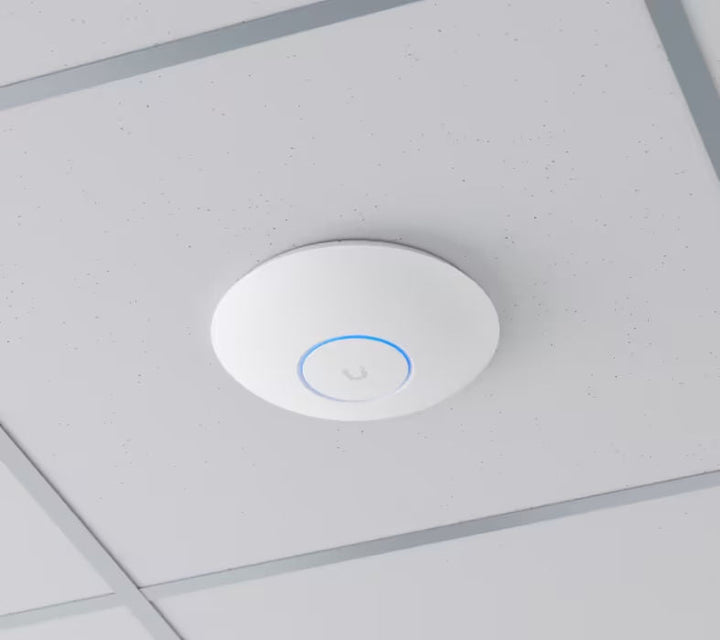
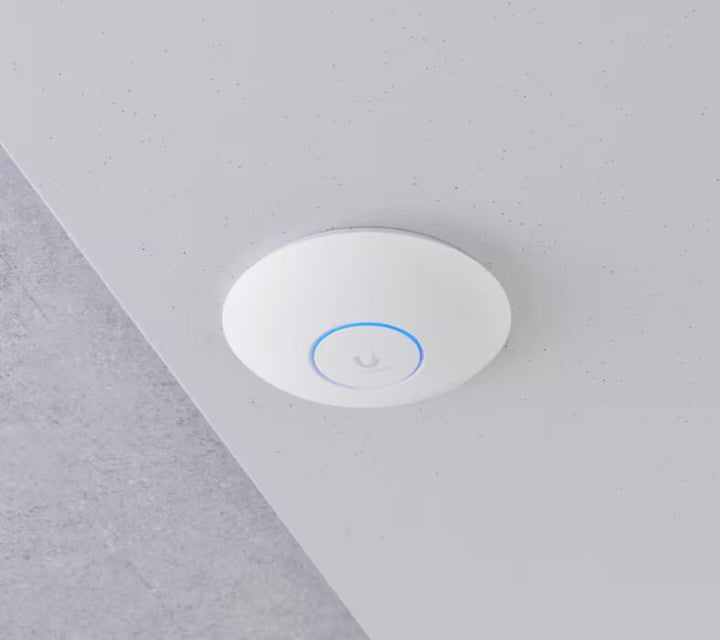
The manufacturer’s 140m² and 300+ client figures are planning guidance rather than a guarantee for every building. Walls, metalwork, interference and the traffic generated by each client affect results. Ceiling or wall mounting helps position the access point near the area it serves. Select locations around actual client use and avoid hiding it inside a cabinet.
Manage guest and staff access centrally
UniFi Network supports guest and client isolation, WiFi schedules, rate limits and a configurable captive portal. PPSK and RADIUS-based VLAN assignment provide further ways to organise supported deployments. Roaming assistance and radio management help coordinate multiple access points. Client compatibility, the management application and configuration determine which features are used.
Provide PoE+ power before installation
Power and data share one Ethernet cable, simplifying placement when a suitable PoE+ source is available. Allow for the access point’s maximum draw of 21W and the supplying switch’s overall power budget. An injector is not included. A Gigabit injector can supply power but limits the wired connection to Gigabit; use a suitable multi-gigabit PoE source to retain the 2.5GbE uplink.
Choose the correct mounting and software
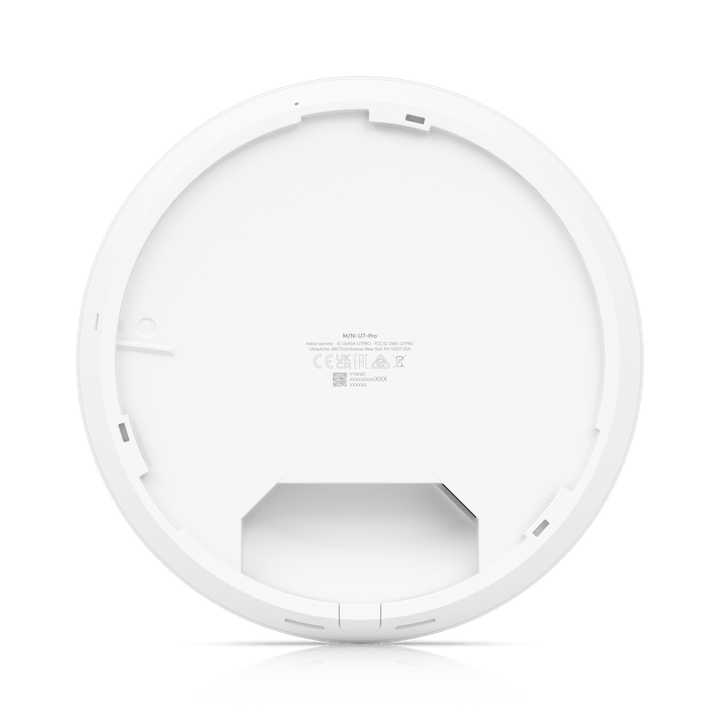
The Pro Mount is included for the standard installation. Use UniFi Network 8.0.28 or later. Keep firmware and the management application current, and select radio channels and widths permitted in the installation country.
Summary
U7-Pro suits a managed network that needs ceiling or wall-mounted WiFi 7 coverage with a multi-gigabit uplink. Match the PoE supply, upstream network and placement to the site’s client and coverage needs.
Ubiquiti U7-Pro WiFi 7 Ceiling Access Point
This WiFi 7 access point combines three radio bands with six spatial streams and a single wired uplink. It requires a suitable PoE+ power source and UniFi Network for management. Radio data rates are maximum physical link rates under supported channel widths, firmware, regional settings and client capabilities; they are not internet speed or simultaneous throughput for one client. Coverage and client figures are deployment guidance, affected by layout, interference and workload.
| Specification | Details |
|---|---|
| Wireless Performance | |
| WiFi standards | WiFi 7 (802.11be), with backwards-compatible 802.11ax/ac/n operation. |
| Bands and spatial streams | 2.4GHz, 5GHz and 6GHz; six spatial streams total. |
| MIMO | 2 × 2 downlink/uplink MU-MIMO on each band. |
| Maximum radio link rates | 2.4GHz: 688Mbps at 40MHz; 5GHz: 4.3Gbps at 240MHz; 6GHz: 5.8Gbps at 320MHz. Supported firmware, region and clients required. |
| Channel widths | HT: 20/40MHz; VHT and HE: 20/40/80/160MHz; EHT: 20/40/80/160/240/320MHz, subject to band and regional availability. |
| Supported data rates | 802.11be: 7.3Mbps–5.8Gbps on 6GHz and up to 4.3Gbps on 5GHz; 802.11ax: 7.3Mbps–2.4Gbps; 802.11ac: 6.5Mbps–1.7Gbps; 802.11n: 6.5–300Mbps. |
| Antenna gain | 2.4GHz: 4dBi; 5GHz: 6dBi; 6GHz: 5.8dBi. |
| Maximum transmit power | 2.4GHz: 23dBm; 5GHz: 26dBm; 6GHz: 23dBm. Regional limits apply. |
| BSSIDs | Up to 8 per radio. |
| Coverage guidance | Up to 140m²; actual coverage depends on layout, materials, interference and placement. |
| Client planning figure | 300+ connected clients; practical capacity depends on traffic and radio conditions. |
| 6GHz operation | Requires an authorised regional configuration and compatible 6GHz clients. Channels and channel widths vary by country. |
| Interfaces and Power | |
| Ethernet uplink | 1 × 1/2.5GbE RJ45. |
| Power method | PoE+; suitable switch or injector required separately. |
| Maximum consumption | 21W. |
| Input voltage | 44–57V DC. |
| Management | Ethernet; UniFi Network 8.0.28 or later. |
| Network and Guest Features | |
| Roaming and radio management | Wireless meshing; band steering; 802.11v BSS transition; 802.11r fast roaming; 802.11k RRM; advanced radio management. |
| Guest access | Passpoint / Hotspot 2.0; captive portal with custom branding, vouchers, password, external portal or payment-based authentication as configured. |
| Segmentation and controls | Guest and client device isolation; private pre-shared keys (PPSK); WiFi speed limits; WiFi schedules. |
| RADIUS features | RADIUS over TLS (RadSec); dynamic RADIUS-assigned VLANs. Appropriate services and configuration required. |
| Physical and Installation | |
| Dimensions | Ø206 × 46 mm. |
| Device weight | 680g; excludes packaging and separate equipment. |
| Enclosure | Polycarbonate and metal. |
| Mount materials | Stainless steel (SUS304) and galvanised steel (SGCC). |
| Mounting | Ceiling or wall; Pro Mount included. |
| System indicator | White/blue status LED. |
| Operating temperature | −30–40°C. |
| Operating humidity | 5–95% non-condensing. |
| Compliance | NDAA compliant; CE, FCC, IC and Anatel. |
| Package and Requirements | |
| Included equipment | Access point, matching mounting parts and installation hardware shown in the manufacturer package image. |
| Separate requirements | PoE+ switch or injector, Ethernet cabling and UniFi Network management. The access point is not an internet router; a PoE injector is not included. |
| Installation alternatives | Use the included matching mount and indoor installation conditions. Assess radio coverage for the intended site. |