

Elgato Stream Deck Pedal Hands-Free Foot Controller
Control your session while both hands stay busy Set a foot pedal to mute your mic, switch scenes or mark a take. Stream Deck Pedal puts three programmable controls beneath the desk, where they stay accessible while you play an instrument, demonstrate equipment or type during a live session. Key Features Three customisable pedals for hotkeys and supported app actions Interchangeable springs to vary pedal resistance Independent configuration through the Stream Deck app Wired USB connection and a low-profile desktop-floor footprint Planning Your Setup Place the unit where your foot can rest naturally. Assign one essential action per pedal before adding multi-actions. Choose the spring tension that makes the controls easy to feel without accidental presses. Summary A practical add-on for recording, presenting and accessibility workflows where the keyboard and hands are already occupied. Frequently Asked Questions Do I need a separate Stream Deck?ExpandCollapse It can operate on its own with the Stream Deck desktop app. Can each pedal run a different command?ExpandCollapse Yes. Each of the three pedals has an independent action assignment. Can I adjust how hard I need to press?ExpandCollapse Yes. Elgato supplies spring sets with soft, medium and hard resistance. Can I trigger more than one action?ExpandCollapse Use Multi Action in the app to run an appropriate sequence with one pedal press. Does it connect to a USB port?ExpandCollapse Yes. The supplied USB-C cable connects the pedal to a compatible computer.
3005, Ubi Avenue 3, #01-88에서 픽업 가능
일반적으로 2~4일 후 준비 완료
Elgato Stream Deck Pedal Hands-Free Foot Controller
제품 설명
Control your session while both hands stay busy
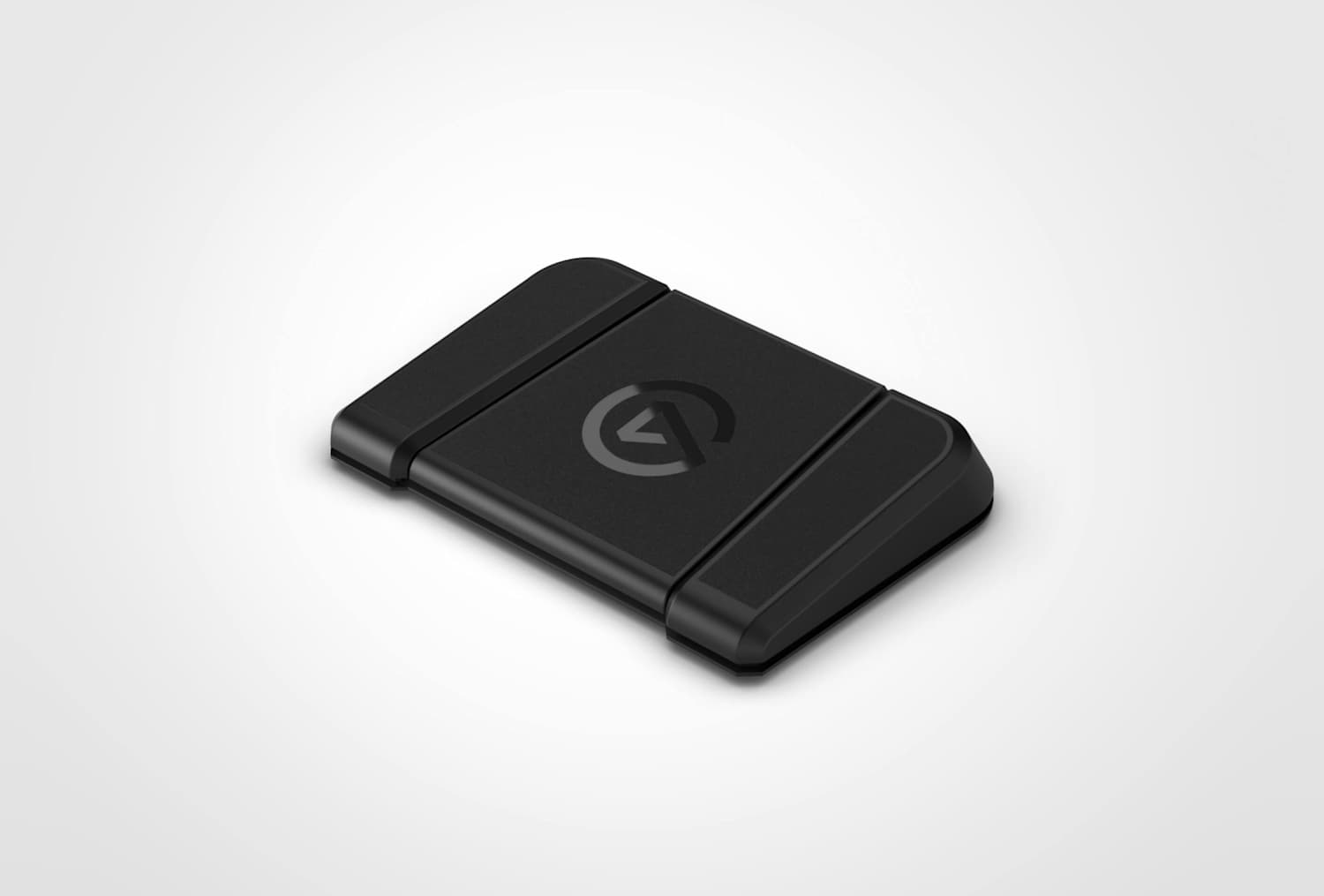
Set a foot pedal to mute your mic, switch scenes or mark a take. Stream Deck Pedal puts three programmable controls beneath the desk, where they stay accessible while you play an instrument, demonstrate equipment or type during a live session.
Key Features
- Three customisable pedals for hotkeys and supported app actions
- Interchangeable springs to vary pedal resistance
- Independent configuration through the Stream Deck app
- Wired USB connection and a low-profile desktop-floor footprint
Planning Your Setup
Place the unit where your foot can rest naturally. Assign one essential action per pedal before adding multi-actions. Choose the spring tension that makes the controls easy to feel without accidental presses.
Summary
A practical add-on for recording, presenting and accessibility workflows where the keyboard and hands are already occupied.
Frequently Asked Questions
Do I need a separate Stream Deck?
It can operate on its own with the Stream Deck desktop app.
Can each pedal run a different command?
Yes. Each of the three pedals has an independent action assignment.
Can I adjust how hard I need to press?
Yes. Elgato supplies spring sets with soft, medium and hard resistance.
Can I trigger more than one action?
Use Multi Action in the app to run an appropriate sequence with one pedal press.
Does it connect to a USB port?
Yes. The supplied USB-C cable connects the pedal to a compatible computer.
사양
Elgato Stream Deck Pedal Hands-Free Foot Controller
Set a foot pedal to mute your mic, switch scenes or mark a take. Stream Deck Pedal puts three programmable controls beneath the desk, where they stay accessible while you play an instrument, demonstrate equipment or type during a live session.
| Specification | Details |
|---|---|
| Controls | |
| Pedals | 3 customisable pedals |
| Tuning | 4 soft, 4 medium and 4 hard springs, plus 2 stoppers |
| Configuration | Elgato Stream Deck app |
| Hardware | |
| Interface | USB 2.0 |
| Dimensions and weight | 175 × 244 × 49 mm, 960 g |
| Contents | Pedal, spring sets, 2.5 m USB-C cable and quick-start guide |