

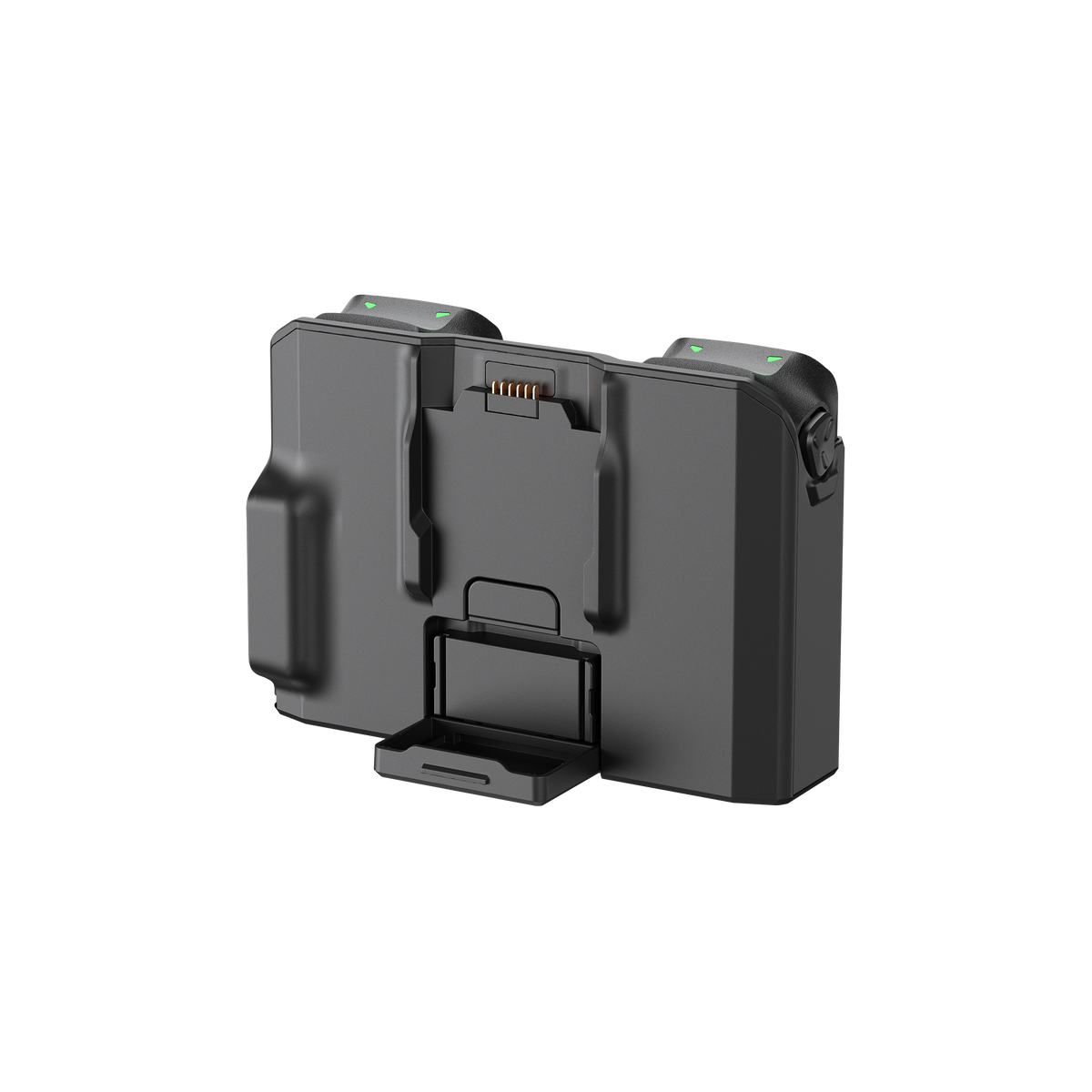


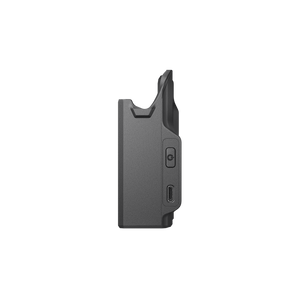
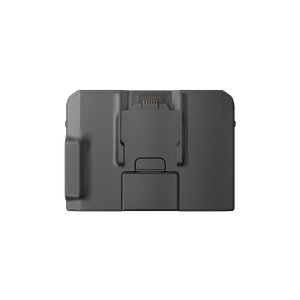
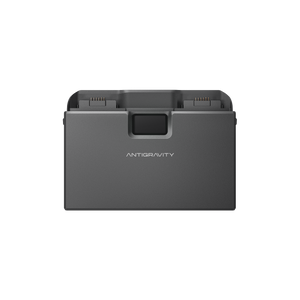

Antigravity A1 Charging Hub
Keep Your A1 Batteries Ready for the Next Flight Bring charging, battery management and portable power into one compact accessory. Antigravity A1 Charging Hub holds up to three compatible flight batteries and charges them in sequence through USB-C. Set the batteries into the hub, connect a suitable power source and follow their progress on the status display. The folding design is easy to pack between locations. Smart Power Pooling adds another useful option between flights, transferring remaining energy towards the battery with the highest charge rather than leaving it spread across several partly used batteries. Highlights Designed for A1 Flight Battery and High-Capacity Flight Battery. Charges up to three batteries in sequence. USB-C charging with USB Power Delivery and PPS support. Smart Power Pooling combines remaining battery energy. Power-bank mode can supply a compatible USB-C device from an inserted flight battery. Folding battery support and a clear charging-status display. Key Features A More Organised Charging Routine Place your batteries in the hub rather than moving a charging cable between them. The hub manages the charging sequence and displays the battery levels and system status. Both standard and High-Capacity A1 batteries are supported, making the same accessory useful across the A1 flight configurations. Make Remaining Energy More Useful With two or more compatible batteries installed, press and hold the function button to enable Smart Power Pooling. Energy moves towards the battery with the highest charge, helping you prepare a fuller battery between sessions. Follow the minimum battery-level conditions in the current manual. Power Beyond the Aircraft Insert a charged flight battery and use the USB-C output to charge a compatible phone or controller. The hub therefore has a role after the aircraft is packed away. Its power-bank function draws from the installed battery; the hub itself is not a battery. Pack Down Between Locations The battery support folds for transport, while the compact body keeps the charging setup together in your equipment bag. Use a suitable PD or PPS supply and cable, allow warm batteries to cool before charging and keep the charging contacts clean and dry. Summary Antigravity A1 Charging Hub gives A1 owners a straightforward way to manage multiple flight batteries, consolidate remaining energy and supply a compatible USB-C device. This listing is for the hub. Flight batteries and a suitable charging power supply are sold separately. Frequently Asked Questions Which Batteries Can I Charge?ExpandCollapse The hub supports the Antigravity A1 Flight Battery and A1 High-Capacity Flight Battery. It holds up to three compatible batteries and charges them in sequence. It is not a universal charger for other drone batteries. Does It Charge All Three Batteries at the Same Time?ExpandCollapse The hub accommodates three batteries but charges them sequentially. The manufacturer quotes approximately 45 minutes for one standard battery or 135 minutes for three, and approximately 60 or 180 minutes for High-Capacity batteries, using the Antigravity 65W GaN charger under the stated test conditions. What Is Smart Power Pooling?ExpandCollapse It transfers remaining energy from lower-charge batteries towards the battery with the highest charge. Insert two or more compatible batteries and follow the manual to activate the function. The manufacturer requires a battery level above 20% to enable pooling. Can It Charge My Phone?ExpandCollapse Yes. Install at least one compatible flight battery and connect a suitable device to the USB-C port. The manufacturer specifies up to 30 W USB-C output and requires a battery level above 10% for power-bank mode. Actual charging depends on the connected device and cable. Are Batteries and a Charger Included?ExpandCollapse No. This standalone accessory includes one A1 Charging Hub. Use compatible flight batteries and a suitable USB-C PD or PPS power supply and cable. The manufacturer uses its 65W GaN charger for the published charging-time tests.
Pickup available at 3005, Ubi Avenue 3, #01-88
일반적으로 2~4일 후 준비 완료
Antigravity A1 Charging Hub
제품 설명
Keep Your A1 Batteries Ready for the Next Flight
Bring charging, battery management and portable power into one compact accessory. Antigravity A1 Charging Hub holds up to three compatible flight batteries and charges them in sequence through USB-C. Set the batteries into the hub, connect a suitable power source and follow their progress on the status display.
The folding design is easy to pack between locations. Smart Power Pooling adds another useful option between flights, transferring remaining energy towards the battery with the highest charge rather than leaving it spread across several partly used batteries.
Highlights
- Designed for A1 Flight Battery and High-Capacity Flight Battery.
- Charges up to three batteries in sequence.
- USB-C charging with USB Power Delivery and PPS support.
- Smart Power Pooling combines remaining battery energy.
- Power-bank mode can supply a compatible USB-C device from an inserted flight battery.
- Folding battery support and a clear charging-status display.
Key Features
A More Organised Charging Routine
Place your batteries in the hub rather than moving a charging cable between them. The hub manages the charging sequence and displays the battery levels and system status. Both standard and High-Capacity A1 batteries are supported, making the same accessory useful across the A1 flight configurations.
Make Remaining Energy More Useful
With two or more compatible batteries installed, press and hold the function button to enable Smart Power Pooling. Energy moves towards the battery with the highest charge, helping you prepare a fuller battery between sessions. Follow the minimum battery-level conditions in the current manual.
Power Beyond the Aircraft
Insert a charged flight battery and use the USB-C output to charge a compatible phone or controller. The hub therefore has a role after the aircraft is packed away. Its power-bank function draws from the installed battery; the hub itself is not a battery.
Pack Down Between Locations
The battery support folds for transport, while the compact body keeps the charging setup together in your equipment bag. Use a suitable PD or PPS supply and cable, allow warm batteries to cool before charging and keep the charging contacts clean and dry.
Summary
Antigravity A1 Charging Hub gives A1 owners a straightforward way to manage multiple flight batteries, consolidate remaining energy and supply a compatible USB-C device. This listing is for the hub. Flight batteries and a suitable charging power supply are sold separately.
Frequently Asked Questions
Which Batteries Can I Charge?
The hub supports the Antigravity A1 Flight Battery and A1 High-Capacity Flight Battery. It holds up to three compatible batteries and charges them in sequence. It is not a universal charger for other drone batteries.
Does It Charge All Three Batteries at the Same Time?
The hub accommodates three batteries but charges them sequentially. The manufacturer quotes approximately 45 minutes for one standard battery or 135 minutes for three, and approximately 60 or 180 minutes for High-Capacity batteries, using the Antigravity 65W GaN charger under the stated test conditions.
What Is Smart Power Pooling?
It transfers remaining energy from lower-charge batteries towards the battery with the highest charge. Insert two or more compatible batteries and follow the manual to activate the function. The manufacturer requires a battery level above 20% to enable pooling.
Can It Charge My Phone?
Yes. Install at least one compatible flight battery and connect a suitable device to the USB-C port. The manufacturer specifies up to 30 W USB-C output and requires a battery level above 10% for power-bank mode. Actual charging depends on the connected device and cable.
Are Batteries and a Charger Included?
No. This standalone accessory includes one A1 Charging Hub. Use compatible flight batteries and a suitable USB-C PD or PPS power supply and cable. The manufacturer uses its 65W GaN charger for the published charging-time tests.
사양
Antigravity A1 Charging Hub
Antigravity A1 Charging Hub manages up to three compatible A1 flight batteries through a compact folding base. It supports sequential USB-C charging, Smart Power Pooling and power-bank output for compatible devices. The specifications distinguish the standard and High-Capacity Flight Batteries, because their charging times differ. Batteries and a suitable USB-C power source are required separately. Stated charging times use the Antigravity 65W GaN charger under controlled conditions and vary with temperature, battery condition and the available power.
| Compatibility and Battery Management | |
|---|---|
| Compatible Batteries | Antigravity A1 Flight Battery and A1 High-Capacity Flight Battery |
| Battery Bays | Up to 3; sequential charging |
| Status and Controls | Battery-level/system-status display; function button |
| Smart Power Pooling | Consolidates energy towards the highest-charge battery; two or more batteries required; enable above the specified 20% level |
| Charging and USB-C Power | |
| Power Protocols | USB Power Delivery (PD) and PPS |
| USB-C Input | PD: 5 V / 3 A, 9 V / 5 A, 12 V / 5 A or 15 V / 4 A; PPS: 5–10 V / 5 A |
| USB-C Output | Up to 30 W; 5 V / 3 A, 9 V / 3 A, 12 V / 2.5 A or 15 V / 2 A |
| Standard Battery Charging | Approximately 45 minutes for one; 135 minutes for three |
| High-Capacity Battery Charging | Approximately 60 minutes for one; 180 minutes for three |
| Power-Bank Mode | At least one compatible battery installed; battery level above 10% |
| Physical and Environment | |
| Dimensions | 133.3 × 36.8 × 93 mm |
| Net Weight | Approximately 118.5 g |
| Temperature | Operating −10–40°C; charging ambient 5–40°C |
| Package and Warranty | |
| Included | 1 × Antigravity A1 Charging Hub |
| Required Separately | Compatible flight batteries; suitable USB-C PD/PPS power supply and cable |
| Warranty | 1 year |
Charging-time figures use the Antigravity 65W GaN charger solely powering the hub under controlled conditions. Temperature, battery condition and available power affect real charging times. Follow the current manual.