
Audio
Wireless Stereo Speakers: Power, Placement and Cable Choices
See what still needs a cable in a wireless stereo setup. Two room layouts and an Edifier comparison explain how to plan power, speaker placement and audio sources.
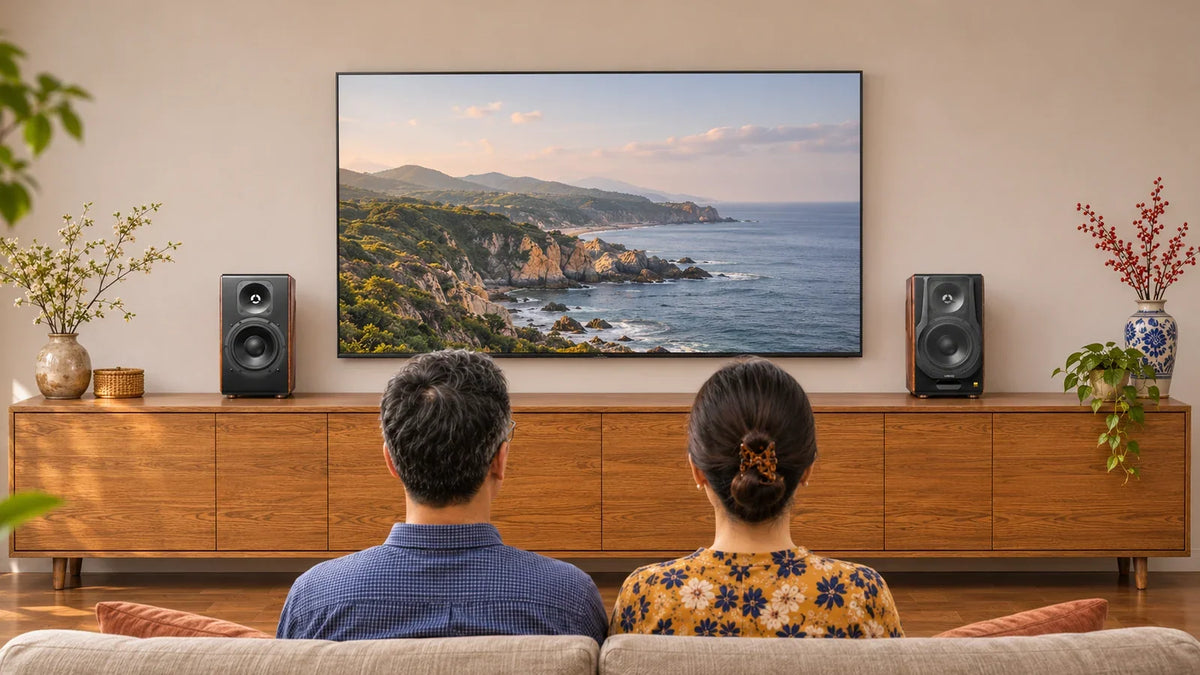
Check the power and audio connections separately when choosing wireless stereo speakers. Bluetooth lets a phone send music to the system. A wired pair with one active cabinet can use one mains connection. A pair with two independently powered cabinets and a wireless link, such as the Edifier S3000MKII, needs mains power at each cabinet.
You make space for two speakers and discover the route between them crosses the room’s main walkway. A wireless link can solve that problem if each speaker can reach power locally. If all the sockets are at one end of a long TV unit, a wired pair can leave you with fewer cables to hide. Sketch the routes before buying and the choice gets much easier.
Two Places a Stereo Setup Can Be Wireless
The first link carries sound from the source to the speaker system. Your phone may use Bluetooth. A TV, computer or turntable might use a cable instead, depending on its output and the speaker’s input. The second link carries audio from one cabinet to its stereo partner. The speaker design determines whether that link is wired or wireless.
- Bluetooth source and wired cabinets. You can start music from the sofa. The cabinets still need their supplied connecting cable. In a design with one active cabinet and one passive partner, only the active cabinet connects to mains power.
- Wireless link between independently powered cabinets. Both cabinets have amplification and each takes mains power. The link replaces the cable between the cabinets. Your source can still connect by a wire.

Measure the Room Before Moving the Speakers
Mark both cabinet positions and the seat you normally use. Measure the route a cable can actually take, including the trip down a stand, around furniture and back up again. Allow space behind each cabinet for the connectors and keep the furniture deep and stable enough to support the full base.

Two furniture units with a walkway between them. If each end can reach mains power without crossing the opening, a wireless link between the cabinets keeps the walkway clear. Check whether the source can reach the main cabinet too.
One continuous sideboard with power at one end. A wired pair is often easier to arrange. Run the supplied link along the back of the furniture. Check its reach before settling on the stand positions.
Leave both speakers facing your listening area and try them in position before tidying the cables. If a power lead would cross a doorway or get pinched under furniture, change the layout. The bookshelf speaker placement guide covers height, spacing and bass once you’ve established a workable route.
Edifier S2000MKIII and S3000MKII Cable Layouts
Both pairs can receive music from a phone over Bluetooth. What changes is the route between the cabinets and the inputs available on the main speaker.

One mains connection and a supplied cable between the cabinets. Fits a room where the speaker cable can stay behind furniture.

Two mains connections and a dedicated 5.8 GHz wireless link between cabinets. Fits separated speaker positions with power at both ends.
| Connection | S2000MKIII | S3000MKII |
|---|---|---|
| Between cabinets | Supplied speaker cable | Dedicated wireless link |
| Mains power | Main cabinet only | Both cabinets |
| Wired sources | Two RCA line inputs, optical and coaxial | RCA line input, balanced XLR, USB audio, optical and coaxial |
| Phone playback | Bluetooth | Bluetooth |
Choose the Audio Input for Your Source
TV. If it has an optical output, check which digital format the TV sends. Start with stereo PCM for these pairs. If you want to use an HDMI ARC connection and control volume from the TV remote, confirm those functions on the system you choose. These two Edifier models use optical for a direct digital TV connection. If the speakers stay silent, see the TV optical audio and PCM guide.
Computer. The S3000MKII accepts USB audio from a compatible computer through its USB Type-B connector. On the S2000MKIII, choose a compatible analogue or digital output from your computer, an audio interface or Bluetooth.
Turntable. Check the switch or documentation for a line-level output. A turntable with phono output needs a phono preamplifier before the speaker’s line input. Confirm the source connections you use regularly, especially if you want to leave several devices plugged in.
Check Both Channels From Your Seat
- Put the left and right cabinets in the correct positions as seen from the listening seat. Connect power and any required speaker cable according to the manual. Keep wires and vents clear.
- Select one source on the system and start with the volume low. Use a familiar stereo recording or a left/right channel test so you can hear each cabinet separately.
- On the S3000MKII, the two cabinets are paired at the factory and normally reconnect when powered on. If only one plays, check that both are switched on and consult the manual for cabinet pairing. Bluetooth pairing is a separate step for your phone.
- If you plan to watch films or play games, test lip sync through the actual source and input you’ll use. A successful music test doesn’t tell you whether a specific TV and audio path stay in sync.
Pick the Layout You Can Live With
Start with the room, then choose the speaker pair. If you have an easy cable route behind one long unit, the S2000MKIII keeps mains power on one side. If a cable would cross a walkway and you can power both sides locally, the S3000MKII removes that crossing. If neither layout works, adjust the speaker positions or compare a different system before ordering.
Frequently Asked Questions
Do both wireless speakers need to be plugged in?
Both Edifier S3000MKII cabinets need mains power. The S2000MKIII has one mains-powered cabinet and a partner connected by the supplied speaker cable. Check the exact design before planning the room.
Does Bluetooth remove the cable between the speakers?
Bluetooth is an input for the phone or another compatible source. It only removes the cabinet-to-cabinet cable when the pair also supports its own wireless speaker link.
Does the S3000MKII need a WiFi router for the wireless speaker link?
No. The two cabinets use their dedicated 5.8 GHz link, so local playback through a supported wired input or Bluetooth does not depend on joining your home WiFi. Online streaming may still use an internet connection at the source.
Can I connect a TV by cable and keep the speakers linked wirelessly?
Yes. With the S3000MKII, a compatible TV can feed the main cabinet by optical cable while the two cabinets use their wireless link. Connect both speakers to mains and select the optical input.
Can I put a speaker farther away to reach a socket?
Try to keep both cabinets at sensible distances from the main seat. Moving one far away to reach power can pull the stereo image to one side. Adjust the room layout or choose the pair that fits your cable route.


