

Elgato Stream Deck Network Dock
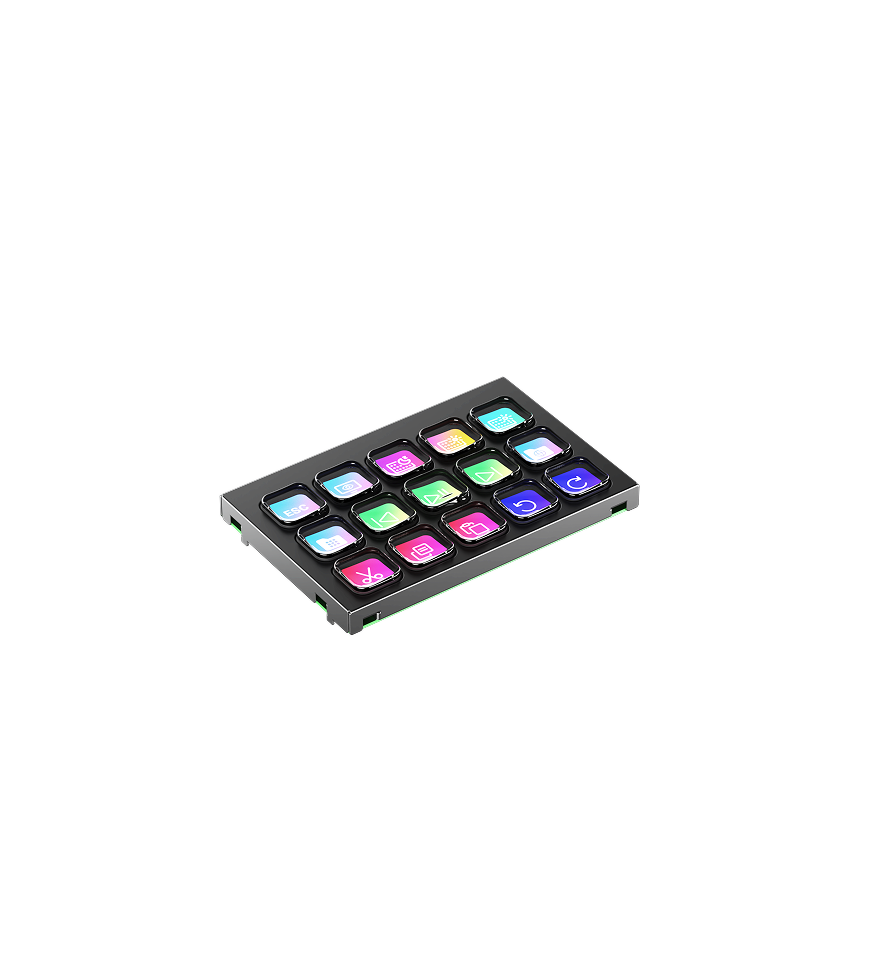
Place your Stream Deck where the operators need it Elgato Stream Deck Network Dock connects a compatible Stream Deck to a wired Ethernet network. It is useful at a standing position, in a rack or on the other side of a studio when a short direct USB run to the host computer is impractical. A compatible PoE switch or injector can provide power over the Ethernet cable. Highlights Wired deployment Wired Ethernet deployment for supported Stream Deck models Power over Ethernet IEEE 802.3af Power over Ethernet Alternative power and mounting USB-C power option for standard Ethernet networks Includes mounting hardware and short USB-C cable Key Features Wired controller placement Connect a supported Stream Deck to the network so the operator panel can sit where it is needed, away from the host computer’s direct USB port. Two power options Use an IEEE 802.3af PoE source or a suitable USB-C PD supply when the network switch does not provide power. Compatible controllers Check the exact controller and any hub or dock already attached. Stream Deck Studio and the first-generation Stream Deck use different connection arrangements. Mounting hardware in the box The included mounting bracket and Stream Deck XL mount simplify installation. The short USB-C cable is for the dock-to-controller connection. Summary A practical accessory for placing supported Stream Deck controls at an operator station away from the host. Frequently Asked Questions Is this a Stream Deck or an accessory?ExpandCollapse It is the dock for a separate compatible Stream Deck. Choose the control surface and host software for your workflow. Do I need a PoE switch?ExpandCollapse PoE is optional. You can use a compatible 802.3af switch or injector, or standard Ethernet with a separate suitable USB-C PD supply. Can I use Stream Deck Studio with it?ExpandCollapse Stream Deck Studio has its own network interface and is excluded from Network Dock compatibility. Can I use the dock on Wi-Fi?ExpandCollapse The dock uses wired Ethernet. Use the host software and network configuration appropriate for your setup. Does the included USB-C cable go to the computer?ExpandCollapse The short included cable connects the Stream Deck to the dock. The control system communicates with the dock over Ethernet.
Mga Dagdag na Produkto (1)
Maaaring kunin sa 3005, Ubi Avenue 3, #01-88
Karaniwang handa sa loob ng 2-4 na araw ng negosyo (hindi kasama ang mga pampublikong pista opisyal)
Elgato Stream Deck Network Dock
Paglalarawan
Place your Stream Deck where the operators need it
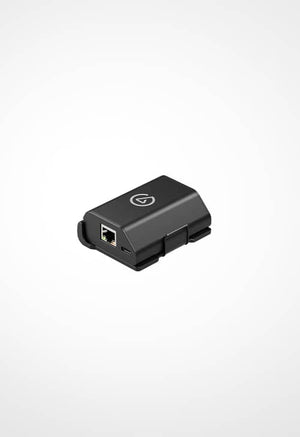
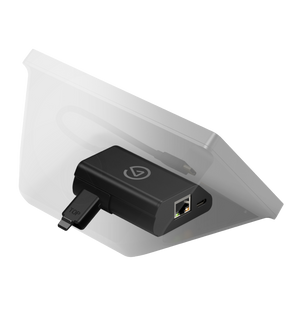
Elgato Stream Deck Network Dock connects a compatible Stream Deck to a wired Ethernet network. It is useful at a standing position, in a rack or on the other side of a studio when a short direct USB run to the host computer is impractical. A compatible PoE switch or injector can provide power over the Ethernet cable.
Highlights
Wired deployment
- Wired Ethernet deployment for supported Stream Deck models
Power over Ethernet
- IEEE 802.3af Power over Ethernet
Alternative power and mounting
- USB-C power option for standard Ethernet networks
- Includes mounting hardware and short USB-C cable
Key Features
Wired controller placement
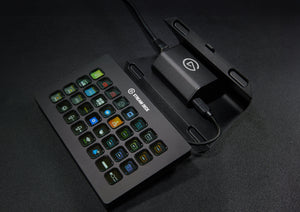
Connect a supported Stream Deck to the network so the operator panel can sit where it is needed, away from the host computer’s direct USB port.
Two power options
Use an IEEE 802.3af PoE source or a suitable USB-C PD supply when the network switch does not provide power.
Compatible controllers
Check the exact controller and any hub or dock already attached. Stream Deck Studio and the first-generation Stream Deck use different connection arrangements.
Mounting hardware in the box
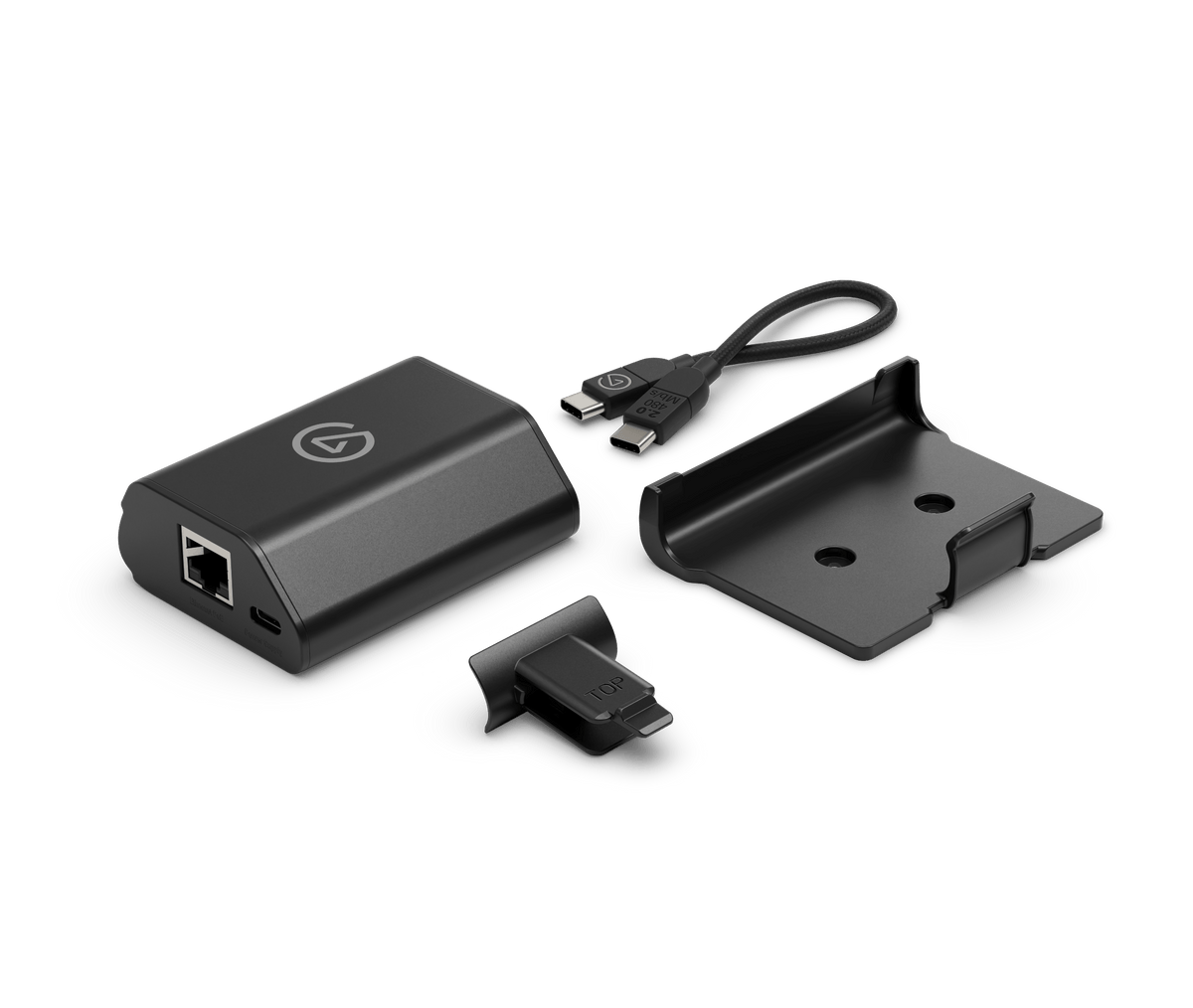
The included mounting bracket and Stream Deck XL mount simplify installation. The short USB-C cable is for the dock-to-controller connection.
Summary
A practical accessory for placing supported Stream Deck controls at an operator station away from the host.
Frequently Asked Questions
Is this a Stream Deck or an accessory?
It is the dock for a separate compatible Stream Deck. Choose the control surface and host software for your workflow.
Do I need a PoE switch?
PoE is optional. You can use a compatible 802.3af switch or injector, or standard Ethernet with a separate suitable USB-C PD supply.
Can I use Stream Deck Studio with it?
Stream Deck Studio has its own network interface and is excluded from Network Dock compatibility.
Can I use the dock on Wi-Fi?
The dock uses wired Ethernet. Use the host software and network configuration appropriate for your setup.
Does the included USB-C cable go to the computer?
The short included cable connects the Stream Deck to the dock. The control system communicates with the dock over Ethernet.
Mga detalye
Elgato Stream Deck Network Dock
Stream Deck Network Dock connects compatible controllers to a wired network and provides either PoE or supported USB-C power. Confirm the exact controller model before choosing the dock. Supported hardware, cable placement and the host software depend on the intended deployment, and the table below gives the corresponding network and power requirements.
| Specification | Details |
|---|---|
| Network and Power | |
| Network port | RJ45 Ethernet |
| PoE | IEEE 802.3af using a compatible switch or injector |
| Non-PoE power | Compatible USB-C PD 3.0 or higher supply required |
| Controller interface | USB-C with USB 2.0 data |
| USB-C output to controller | 5 V, up to 0.9 A |
| Compatibility | |
| Supported hardware | Selected Stream Deck models including MK.2, XL, Neo, Stream Deck + and the Stream Deck Module family |
| Hardware exceptions | First-generation Stream Deck and Stream Deck Studio are excluded. Check Elgato compatibility when using a hub, XLR Dock or attached USB-A lead |
| Control software | Stream Deck software, Bitfocus Companion or Bitfocus Buttons for compatible setups |
| Host operating systems | Windows 11 64-bit or later or macOS 13 or later, for supported host workflows |
| Mounting and Box Contents | |
| Dimensions | 59 x 79 x 27 mm (L x W x H) |
| Mounting | Supplied bracket and Stream Deck XL mount |
| Box contents | Network Dock, mounting bracket, Stream Deck XL mount, 15 cm USB-C cable and quick start guide |
Mga Dagdag na Produkto