

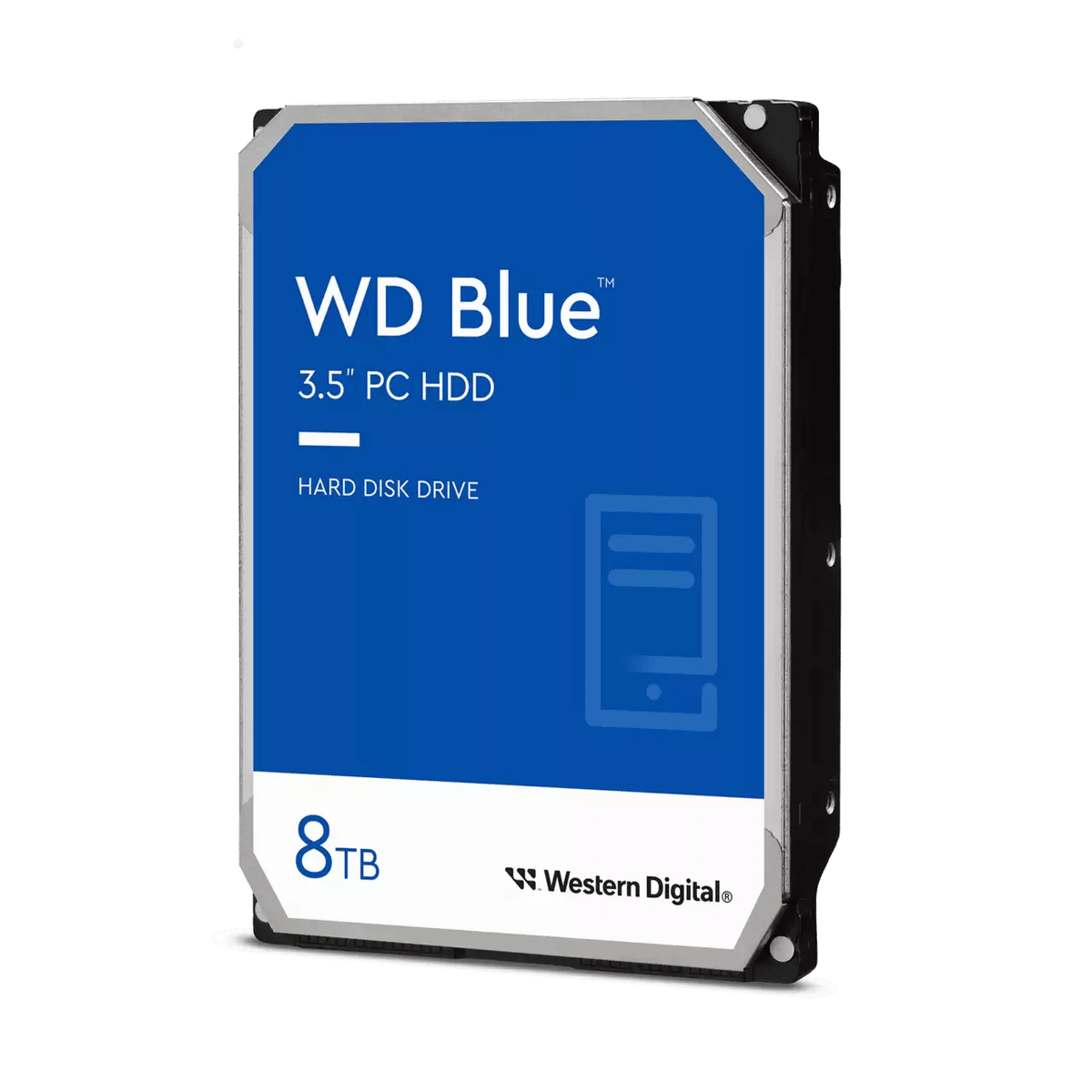


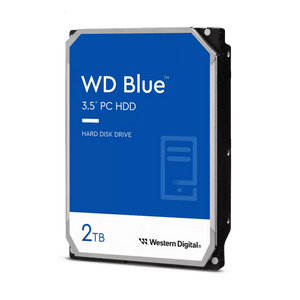
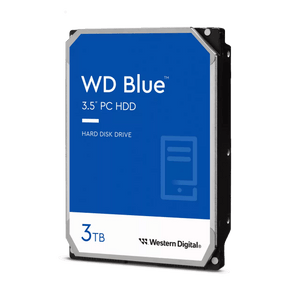
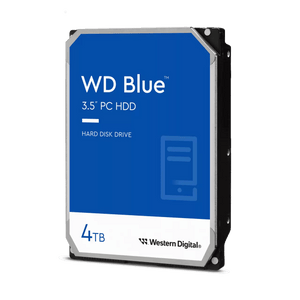
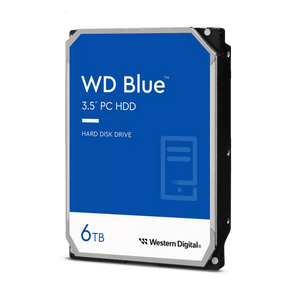
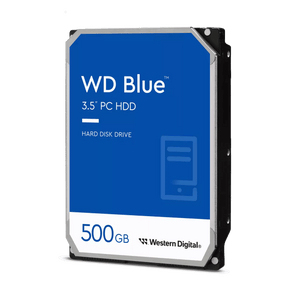
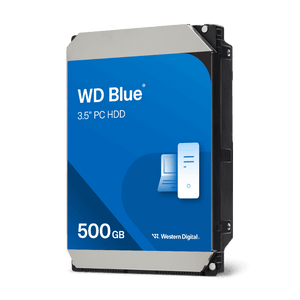
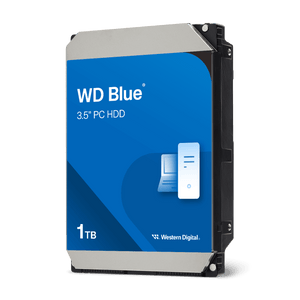
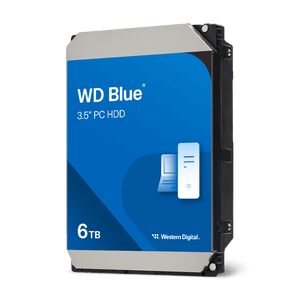
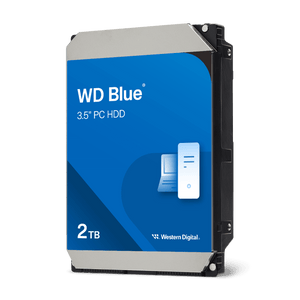
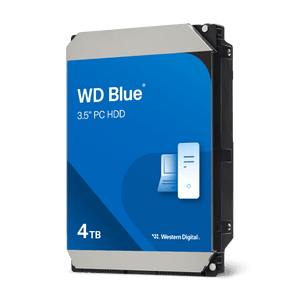
WD Blue Desktop SATA Hard Drive
More Room for the Files That Make Your PC Yours Keep your photos, documents, downloads and media together with the WD Blue Desktop SATA Hard Drive. Designed for everyday desktop computing, this internal hard drive gives home and office PCs room for the files that accumulate through work, study and daily life. Use WD Blue when replacing an existing desktop hard drive, expanding your storage or building a PC around an SSD and a separate drive for larger files. Its 3.5-inch format and SATA interface fit compatible desktop systems, while a choice of capacities lets you plan for what you store now and what you expect to add. Highlights Storage for Work and Everyday Life A practical home for documents, photo collections, video files and other desktop content. Choose capacity for your existing files, future projects and growing media library. A Familiar Desktop Upgrade 3.5-inch internal drive with a SATA 6Gb/s interface. Use as primary desktop storage or alongside an SSD in a compatible PC. Built with Care for Everyday Use NoTouch Ramp Load technology and advanced power management. Manufacturer compatibility testing and a two-year limited warranty. Key Features Keep More of Your Digital Life in One PlacePhoto collections, video clips and project folders need room to grow. WD Blue provides a dedicated home for those larger files, helping you organise work and personal media in your desktop. Plan for your existing collection and future additions; usable formatted capacity will be lower than the advertised figure. Pair Storage Capacity with an SSDA PC with separate drives can give each a clear role: keep the operating system and frequently used applications on an SSD, then use WD Blue for larger collections and less frequently accessed files. This arrangement combines the SSD’s responsiveness with additional hard drive space. It is a practical upgrade for a compatible desktop that already has an SSD but needs more room. Performance Matched to the Capacity You ChooseThe options offered here provide up to 215MB/s maximum internal transfer rate and up to 256MB cache, with the precise figures varying by capacity. These ratings describe the drive’s capabilities; actual transfers also depend on file sizes, the computer and the workload. The SATA 6Gb/s interface is the connection standard, rather than a promise of 6Gb/s file-copy speed. NoTouch Head Parking Helps Reduce WearWD’s NoTouch Ramp Load technology keeps the recording head away from the disk surface when parked. This design helps reduce wear on the head and media and adds protection during transit. It is one of the mechanical design features behind WD Blue’s role as dependable everyday desktop storage. Power Management for Day-to-Day ComputingAdvanced power management and WD’s seeking algorithms are designed to keep power consumption low through everyday operation. Power usage varies between capacities and between reading, writing, idle and standby states. See Specs for the combined power ratings and the other operating characteristics of the offered drives. Tested Across Desktop SystemsWestern Digital checks compatibility across hundreds of systems and multiple platforms in its Functional Integrity Testing laboratory. For your own upgrade, confirm a suitable 3.5-inch drive bay, SATA data connection and SATA power connection, along with the computer’s support for your selected capacity. Choose the Recording Technology That Fits Your UseRecording technology is one factor to check alongside capacity when choosing a drive for your workload. WD Blue uses conventional magnetic recording (CMR) or drive-managed shingled magnetic recording (SMR), depending on the drive version. Match the selected drive to any recording requirements specified by your software or storage setup; a drive-managed design handles its recording internally. Plan a Smooth Move from Your Existing DriveFor a replacement-drive upgrade, Western Digital offers Acronis True Image for Western Digital as an optional download for eligible drives and systems. It can assist with drive cloning and local backup, subject to the manufacturer’s current compatibility, activation and licence terms. Check those terms and the migration requirements before planning your transfer. Summary WD Blue is a straightforward choice for adding everyday storage to a compatible desktop PC. Choose the capacity and recording technology that suit your files and workload, use it on its own or alongside an SSD, and benefit from NoTouch design, power management and a two-year limited manufacturer warranty, subject to regional terms.
Pickup available at 3005, Ubi Avenue 3, #01-88
Usually ready in 2-4 Business Day (Excluding Public Holiday)
WD Blue Desktop SATA Hard Drive
Umorder ng maraming opsyon
Itakda ang dami para sa bawat opsyon. Awtomatikong maa-update ang iyong cart.
Variant
Dami
Presyo
Variant total
Variants
Total items
Total items
Product subtotal
Paglalarawan
More Room for the Files That Make Your PC Yours
Keep your photos, documents, downloads and media together with the WD Blue Desktop SATA Hard Drive. Designed for everyday desktop computing, this internal hard drive gives home and office PCs room for the files that accumulate through work, study and daily life.
Use WD Blue when replacing an existing desktop hard drive, expanding your storage or building a PC around an SSD and a separate drive for larger files. Its 3.5-inch format and SATA interface fit compatible desktop systems, while a choice of capacities lets you plan for what you store now and what you expect to add.
Highlights
Storage for Work and Everyday Life
- A practical home for documents, photo collections, video files and other desktop content.
- Choose capacity for your existing files, future projects and growing media library.
A Familiar Desktop Upgrade
- 3.5-inch internal drive with a SATA 6Gb/s interface.
- Use as primary desktop storage or alongside an SSD in a compatible PC.
Built with Care for Everyday Use
- NoTouch Ramp Load technology and advanced power management.
- Manufacturer compatibility testing and a two-year limited warranty.
Key Features
Keep More of Your Digital Life in One Place
Photo collections, video clips and project folders need room to grow. WD Blue provides a dedicated home for those larger files, helping you organise work and personal media in your desktop. Plan for your existing collection and future additions; usable formatted capacity will be lower than the advertised figure.
Pair Storage Capacity with an SSD
A PC with separate drives can give each a clear role: keep the operating system and frequently used applications on an SSD, then use WD Blue for larger collections and less frequently accessed files. This arrangement combines the SSD’s responsiveness with additional hard drive space. It is a practical upgrade for a compatible desktop that already has an SSD but needs more room.
Performance Matched to the Capacity You Choose
The options offered here provide up to 215MB/s maximum internal transfer rate and up to 256MB cache, with the precise figures varying by capacity. These ratings describe the drive’s capabilities; actual transfers also depend on file sizes, the computer and the workload. The SATA 6Gb/s interface is the connection standard, rather than a promise of 6Gb/s file-copy speed.
NoTouch Head Parking Helps Reduce Wear
WD’s NoTouch Ramp Load technology keeps the recording head away from the disk surface when parked. This design helps reduce wear on the head and media and adds protection during transit. It is one of the mechanical design features behind WD Blue’s role as dependable everyday desktop storage.
Power Management for Day-to-Day Computing
Advanced power management and WD’s seeking algorithms are designed to keep power consumption low through everyday operation. Power usage varies between capacities and between reading, writing, idle and standby states. See Specs for the combined power ratings and the other operating characteristics of the offered drives.
Tested Across Desktop Systems
Western Digital checks compatibility across hundreds of systems and multiple platforms in its Functional Integrity Testing laboratory. For your own upgrade, confirm a suitable 3.5-inch drive bay, SATA data connection and SATA power connection, along with the computer’s support for your selected capacity.
Choose the Recording Technology That Fits Your Use
Recording technology is one factor to check alongside capacity when choosing a drive for your workload. WD Blue uses conventional magnetic recording (CMR) or drive-managed shingled magnetic recording (SMR), depending on the drive version. Match the selected drive to any recording requirements specified by your software or storage setup; a drive-managed design handles its recording internally.
Plan a Smooth Move from Your Existing Drive
For a replacement-drive upgrade, Western Digital offers Acronis True Image for Western Digital as an optional download for eligible drives and systems. It can assist with drive cloning and local backup, subject to the manufacturer’s current compatibility, activation and licence terms. Check those terms and the migration requirements before planning your transfer.
Summary
WD Blue is a straightforward choice for adding everyday storage to a compatible desktop PC. Choose the capacity and recording technology that suit your files and workload, use it on its own or alongside an SSD, and benefit from NoTouch design, power management and a two-year limited manufacturer warranty, subject to regional terms.
Mga detalye
WD Blue Desktop SATA Hard Drive
WD Blue provides internal hard-drive storage for compatible desktop computers. This table summarises the drives in the listing, with version-dependent performance, power and physical ratings shown as ranges or maxima. SATA link speed differs from file-transfer speed. Dimensions and weight refer to the bare drive; check your chosen drive against the computer’s storage, mounting and operating requirements.
| Specification | Details |
|---|---|
| Storage and Performance | |
| Drive type | Internal desktop hard drive |
| Form factor | 3.5-inch |
| Interface | SATA 6Gb/s |
| Recording technology | CMR or drive-managed SMR; varies by version |
| Spindle speed | 5400–7200rpm; varies by version |
| Cache | Up to 256MB |
| Maximum internal transfer | Up to 215MB/s |
| Physical Specifications | |
| Dimensions (L × W × H) | 147 × 101.6 × 26.1mm |
| Bare-drive weight | Up to 715g nominal; ±3% tolerance |
| Power and Operating Conditions | |
| Peak 12V current | Up to 1.77A |
| Average read/write power | Up to 6.8W |
| Average idle power | Up to 6.1W |
| Standby/sleep power | Up to 1.2W |
| Operating temperature | 0–60°C |
| Non-operating temperature | −40–70°C |
| Operating write shock | 30–70G |
| Operating read shock | 65–70G |
| Non-operating shock | 250–350G |
| Idle acoustics | 21–29dBA |
| Average seek acoustics | 25–30dBA |
| Drive Technology and Reliability | |
| Load/unload cycles | 300,000 controlled unloads at ambient conditions |
| Non-recoverable read errors | Less than 1 per 10¹⁴ bits read |
| Head parking | NoTouch Ramp Load technology |
| Power management | Advanced power management |
| Compatibility and Warranty | |
| Installation | Compatible desktop with a 3.5-inch bay, SATA data and SATA power |
| Host support | PC/Mac; reformatting may be required |
| Format and compliance | Advanced Format; RoHS compliant |
| Limited warranty | 2 years; regional manufacturer terms apply |
Ranges and “up to” values vary by drive version. Dimensions state maximum length/height and nominal width (±0.254mm). Shock ratings use a 2ms pulse; power figures are manufacturer averages. Bare-drive weight excludes packaging. Formatted capacity and actual performance depend on the host and workload.